Technology

Running Linux and Windows containers at the same time on Windows 10
5 min read
April 27, 2021
July 8, 2025
Last updated:
November 21, 2025
Neil Cresswell
Neil Cresswell
,
Portainer CEO
Follow on LinkedIn
Table of Contents

Share this post
This is some text inside of a div block.

Key takeaways

This guest blog post from Tobias Fenster takes a look at how to run Linux and Windows containers at the same time on Windows 10.

I am typically using Docker on my Windows 10 laptop for dev containers, which (unfortunately) means only Linux containers, although my professional context mostly is Windows-oriented. However I recently did a demo using a local Windows container, so I had to switch back and forth and while I think I have seen the following message before, for the first time I read it properly:
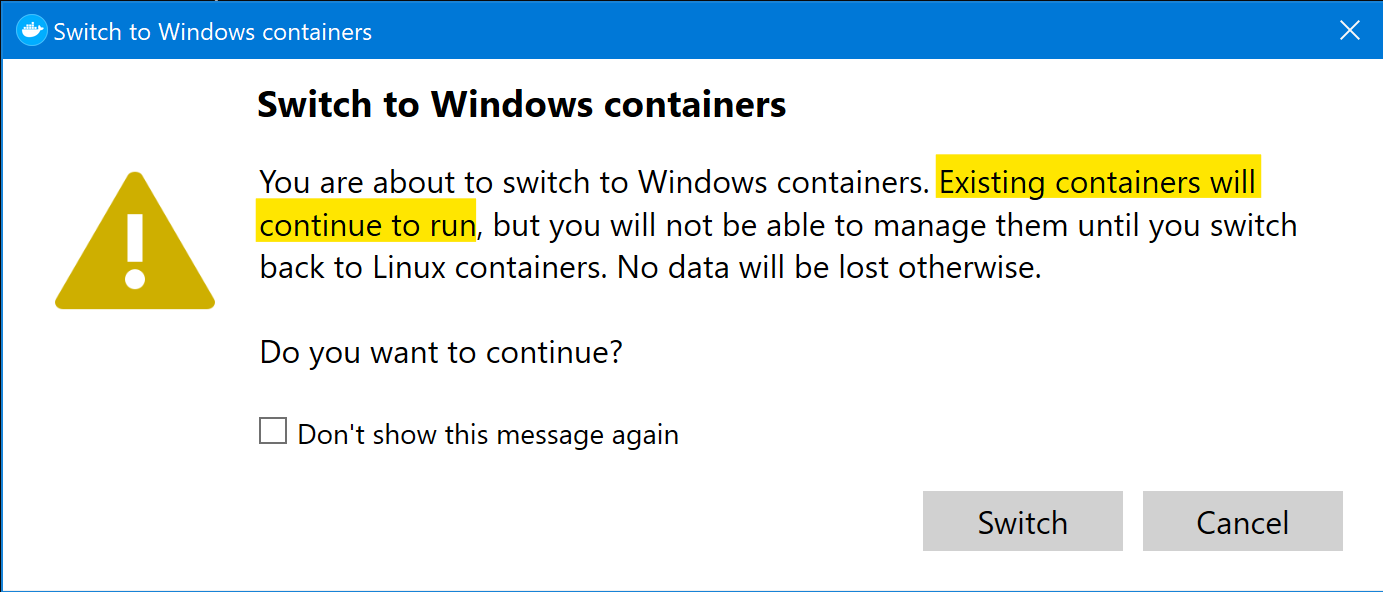
docker switch warning

Especially the yellow part got my interest as it clearly states that Linux containers keep running even if you switch to Windows containers. I’ve been tinkering with that idea since 2016, so I decided to give it a try again. As a test case I used a Linux container for MS SQL and a Windows container for MS Dynamics 365 Business Central because official support for that combination was recently announced. Read more

Infrastructure Moves Fast. Stay Ahead.

Subscribe to our monthly newsletter

Conclusion

Neil Cresswell
Portainer CEO
Follow on LinkedIn

Neil Cresswell is the co-founder and CEO of Portainer, a popular platform that simplifies container management for Docker, Kubernetes, and edge environments. A veteran of over 25 years in IT, he began his career with 12 years at IBM before leading VMware consulting at ViFX across Asia-Pacific and serving as CEO for cloud service providers. Frustrated by the lack of usable tooling for “containers as a service,” he created Portainer to make container technology accessible to everyone. Under his leadership, Portainer has grown from an open-source UI into an enterprise-ready platform used globally.

Tip  / Call out