Kubernetes Dashboard: Limitations & Alternatives in 2026

Note: The Kubernetes Dashboard project has been officially announced as being sunset and will soon be archived, meaning it will no longer receive updates or maintenance.
This article explains how Kubernetes Dashboard works, its limitations, and which alternatives deliver stronger control, security, and reliability in 2026.
What is Kubernetes Dashboard?
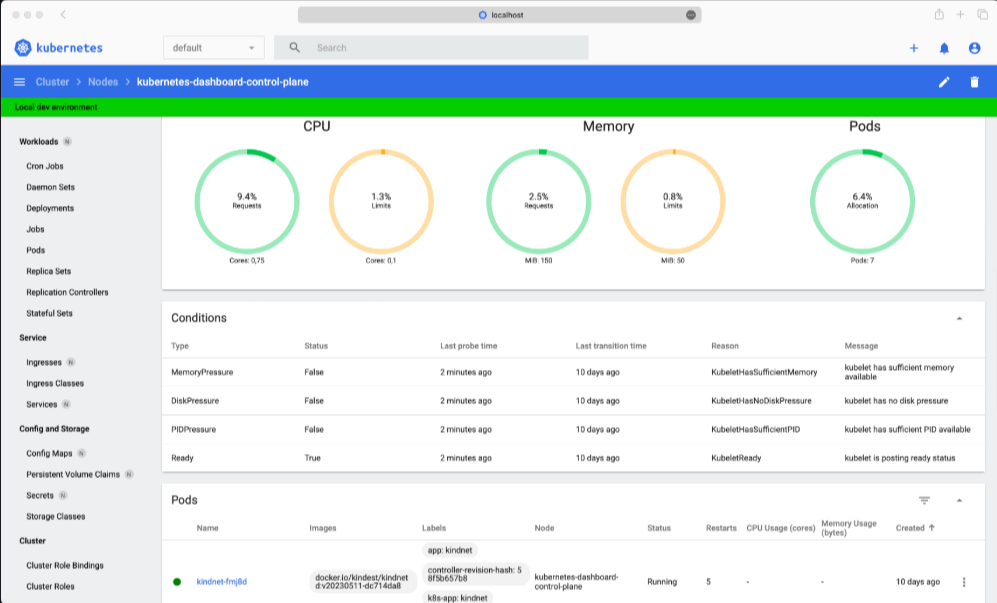
Kubernetes Dashboard is the official web-based user interface for managing and observing a Kubernetes cluster. It runs as a pod inside the cluster and connects to the Kubernetes API to display workloads, services, namespaces, and cluster health in a visual format.
The dashboard is mainly used for learning, troubleshooting, and basic operational checks, not full production management.
Key Benefits:
- Visual cluster overview: See workloads, pods, and services at a glance without relying only on CLI output.
- Basic resource management: Create, update, and delete common Kubernetes objects through simple forms.
- Faster troubleshooting: Inspect pod status, logs, and events from a single screen.
- Good starting point for new teams: Helps engineers understand Kubernetes concepts and relationships more quickly.
Key Components of the Kubernetes Dashboard User Interface
Kubernetes Dashboard has a user-friendly interface, which simplifies cluster management, especially for users who prefer a graphical alternative to command-line interface (CLI) tools. Here are other components that make this platform a top choice:
Workloads View
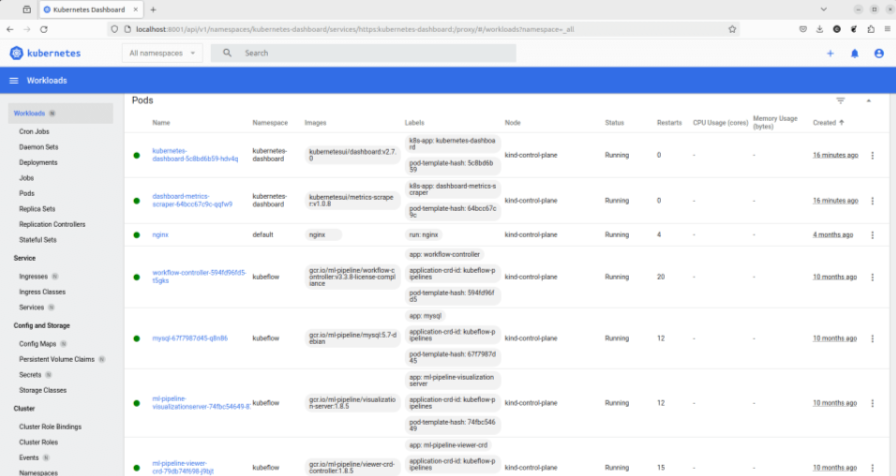
The Workloads section covers Deployments, Pods, ReplicaSets, StatefulSets, DaemonSets, Jobs, and CronJobs.
Each workload page shows replica status, container images, restart counts, and related events. Logs can be accessed per container, and replicas can be scaled up or down. This view is commonly used for quick checks during incidents, not for managing complex rollout strategies.
Services and Networking
This section focuses on Services, Ingresses, and Endpoints. It shows how workloads are exposed within the cluster and to external traffic. Service types, selectors, and linked pods are clearly listed. However, network traffic paths, latency, and policy enforcement are not visualized. This makes it useful for configuration validation, but limited for troubleshooting networking issues at scale.
Configuration and Storage
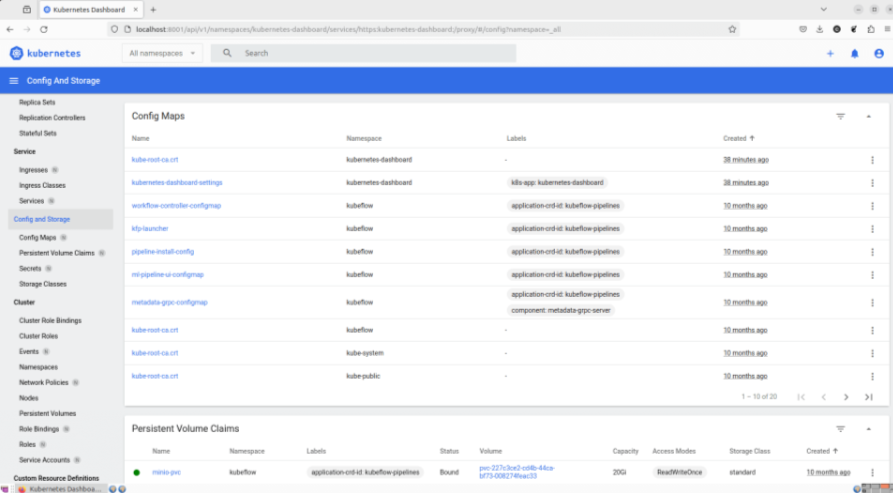
Configuration and Storage includes ConfigMaps, Secrets, PersistentVolumeClaims, and StorageClasses. You can view and edit objects directly in YAML, which supports quick fixes and experimentation. This convenience comes with risk in shared environments, as changes take effect immediately.
Note: The dashboard does not provide versioning, approval workflows, or visibility into configuration drift.
Cluster-Level Resources

Cluster-level resources cover Nodes, Namespaces, and Events. Node views show capacity, allocatable resources, conditions, and running pods. Events provide a chronological record of scheduling failures, image pull errors, and controller actions.
Some teams use this during troubleshooting, but it lacks a long-term history, correlation, or the advanced filtering required for enterprise operations.
Limitations of the Kubernetes Dashboard
While the Kubernetes Dashboard offers basic visibility, it was not designed for production-grade operations, security enforcement, or large-scale cluster management. Here are some of its limitations:
Limited Security Controls
Access to the dashboard relies heavily on service account tokens. There is no native support for fine-grained UI permissions, session controls, or audit-friendly access policies. This limitation makes it risky in shared or regulated environments where least-privilege access and traceability are required.
A Redditor asked whether people deploy the Kubernetes Dashboard in production. Most comments were "No" due to security concerns.
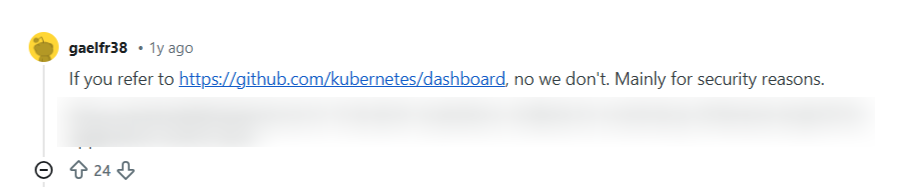
Source: Reddit
Users who deploy Kubernetes Dashboard in production do it with RBAC setup.

Complex and Frustrating Authentication
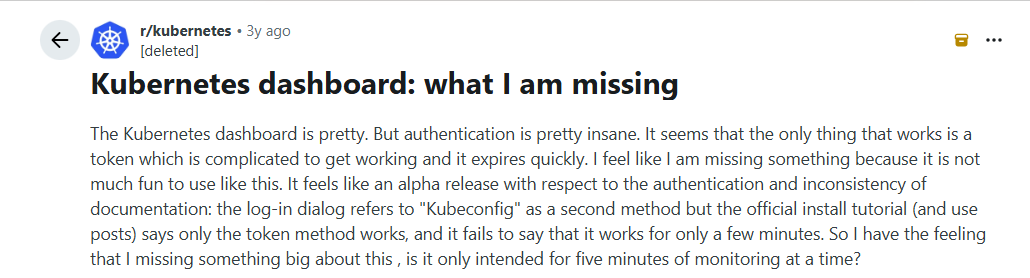
Authentication remains one of the most common pain points. Access typically relies on manually generated service account tokens that expire quickly and require multiple setup steps.
A Reddit user noted that the process "feels like an alpha release," citing short-lived tokens, complex kubeconfig references, and inconsistent documentation.
Source: Reddit
This friction makes the dashboard tedious to access and impractical for frequent use.
Not Built for Multi-Cluster Management
The dashboard operates on a single cluster at a time. Managing multiple environments means deploying and accessing separate dashboards per cluster. There is no centralized view, cross-cluster comparison, or shared policy layer, which slows platform teams' ability to manage fleets of clusters.
Shallow Operational Capabilities
Most actions are limited to basic CRUD operations and simple scaling. Advanced workflows such as progressive deployments, policy enforcement, image governance, or drift detection are not supported. As a result, the dashboard works for inspection but falls short for ongoing operational control.
Poor Observability and History
Metrics, logs, and events are minimal and short-lived. There is no long-term history, cross-resource correlation, or native integration with monitoring and alerting systems. Troubleshooting complex issues often requires switching to multiple external tools, breaking workflow continuity.
Steep Risk in Production Environments
Editing live YAML directly from the UI applies changes instantly, without approvals or safeguards. There is no built-in versioning or rollback awareness. In production clusters, this increases the chance of accidental misconfigurations and untracked changes.
5 Best Kubernetes Dashboard Alternatives
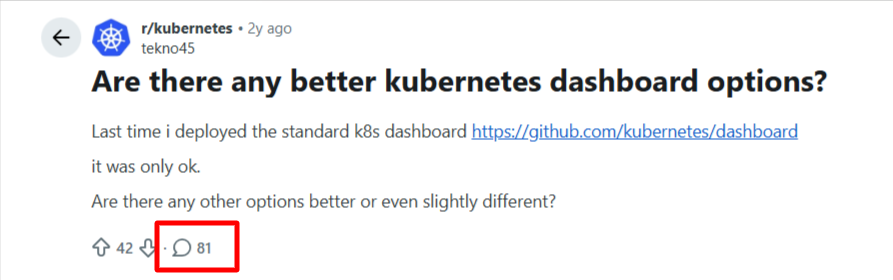
A Redditor asked for the best alternative to Kubernetes Dashboard. But the number of comments and the multiple options in the thread will make anyone more confused than they were initially.
Source: Reddit
We reviewed several Kubernetes management tools and selected the best alternatives to the Kubernetes Dashboard.
| Platform | Key features | Best for |
|---|---|---|
| Portainer | Multi-cluster management, RBAC, UI and API access, policy controls | Enterprises managing Kubernetes at scale |
| OpenShift | Integrated Kubernetes platform, built-in security, developer workflows | Enterprises standardizing on Red Hat ecosystems |
| Rancher | Centralized cluster management, GitOps support, access control | Teams operating multiple clusters across environments |
| Nutanix Kubernetes Platform (NKP) | Kubernetes lifecycle management, enterprise support | Organizations running Nutanix-based infrastructure |
| Mirantis | Kubernetes and container platform with enterprise tooling | Enterprises migrating from legacy container platforms |
Portainer: Best for Enterprises That Need Secure, Role-Based Control over Kubernetes
Portainer works well for enterprise teams who have moved beyond single-cluster visibility and need controlled, repeatable Kubernetes operations at scale.
It sits above Kubernetes as a management and governance layer, giving enterprise teams control without changing how clusters are deployed or operated. Clusters stay on-prem or in the cloud, while Portainer runs as a lightweight interface that standardizes how teams interact with Kubernetes.
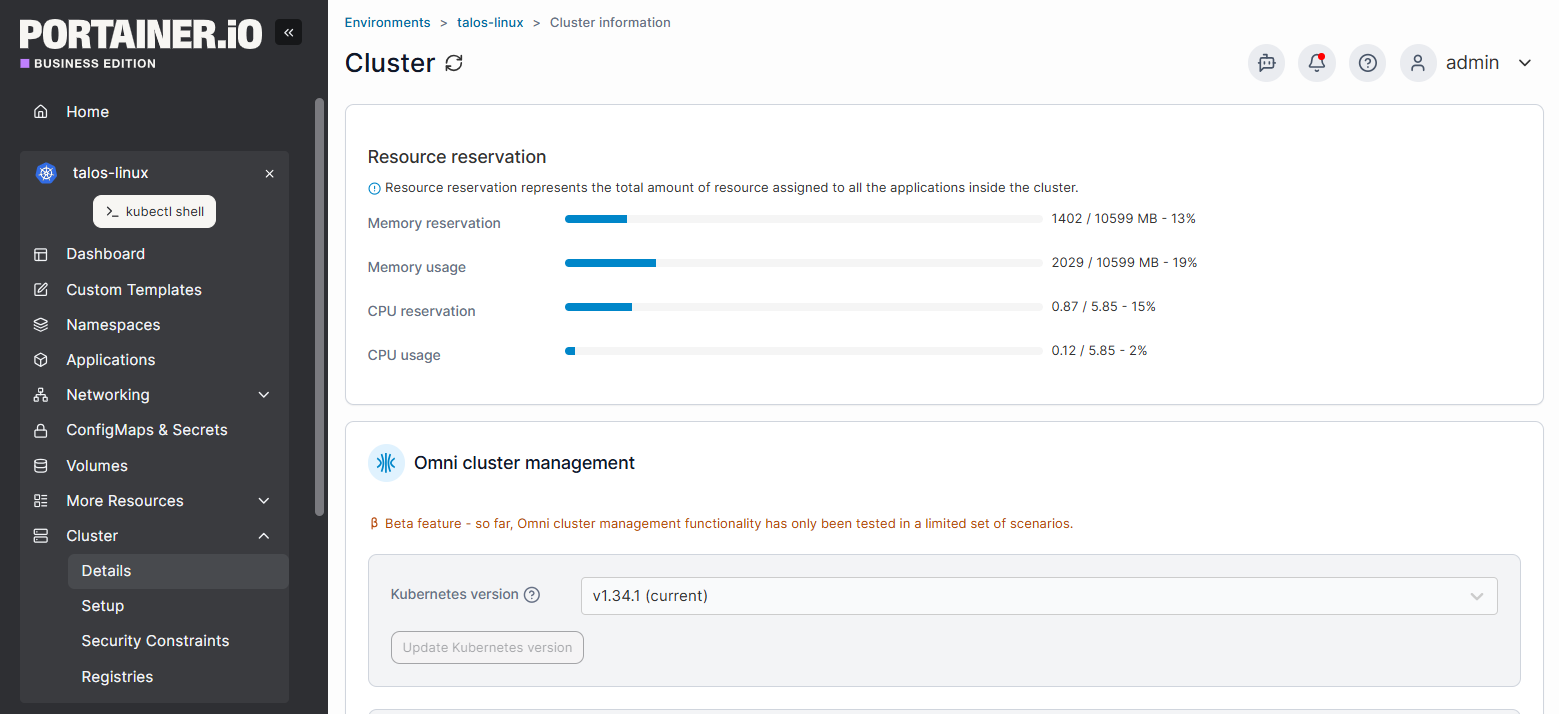
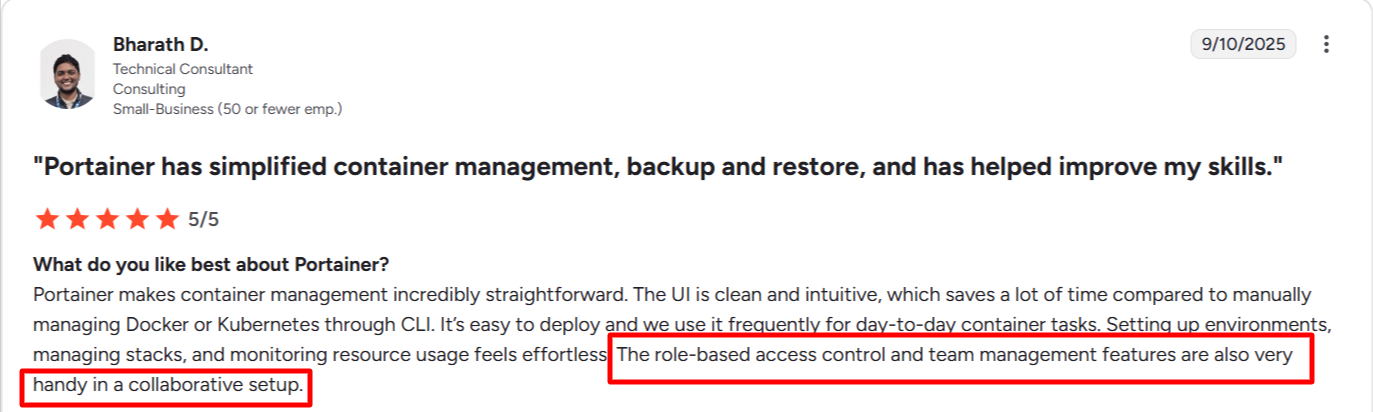
A core strength is its enterprise-grade RBAC feature. You can define access at the cluster, namespace, and resource level, then map it to teams and roles.
Source: G2
This feature allows your engineers to limit who can deploy workloads, edit configurations, or even view sensitive namespaces, without sharing broad access to the kubeconfig. Compared to the Kubernetes Dashboard's token-based login, this model is easier to manage and far more secure.
Portainer improves daily operations without abstracting away from Kubernetes. Your engineers can continue using kubectl and existing CI pipelines, while the UI adds guardrails to reduce mistakes in production environments.
Key Features
- Multi-cluster management: Manage and monitor multiple Kubernetes clusters from a single, user-friendly interface.
- Enterprise-grade RBAC: Control who can view, deploy, or modify resources at the cluster, namespace, and workload level.
- Visual workload management: Deploy, scale, and inspect workloads through the UI without hiding underlying Kubernetes objects.
- Controlled YAML access: Allow configuration edits with guardrails to reduce accidental changes in production.
- Audit-friendly operations: Track user actions to support security reviews and compliance requirements.
- CLI and kubeconfig compatibility: Continue using kubectl and existing pipelines alongside the Portainer interface.
Portainer is ideal for enterprises that need consistent access control, safer operations, and visibility across multiple Kubernetes clusters as their environments scale.
See Portainer in Action Today
Rancher: Best for Centralized Multi-Cluster Administration
Rancher focuses on centralizing access to many clusters across on-prem and cloud environments. It goes far beyond the Kubernetes Dashboard by managing cluster provisioning, upgrades, and access control through a single control plane, with strong support for GitOps workflows and infrastructure-level management.
Rancher excels at cluster lifecycle operations, especially in heterogeneous environments. However, Rancher can feel heavy for day-to-day workload operations. The interface exposes a wide surface area, which can feel heavy for developers who only need visibility into workloads.
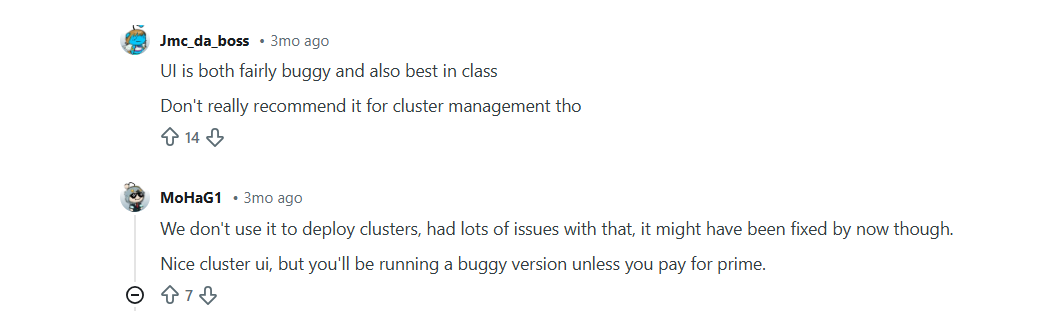
A Reddit user asked for people's experiences with using Rancher. Here are a few comments:
Source: Reddit
Also, Rancher's resource overhead and steeper learning curve can slow down application teams that only need controlled access to workloads and namespaces.
Pro tip: If Rancher feels too complex for everyday app work, Portainer provides a simpler operational UI and allows your team to manage only the namespaces and workloads they need, without exposing full cluster admin permissions. Portainer can also manage Rancher's environments.
Further Reading: Top 5 Rancher Alternatives For Kubernetes Management In 2026
OpenShift: Best for Enterprises Running Red Hat–Centric Platforms
OpenShift is Red Hat's enterprise Kubernetes platform that extends far beyond the Kubernetes Dashboard, offering security, networking, CI/CD, and developer tooling in a single stack.
It enforces opinionated defaults around security, identity, and workload isolation, making it attractive for regulated industries. OpenShift excels when Kubernetes needs to be tightly integrated with enterprise IAM and compliance controls.
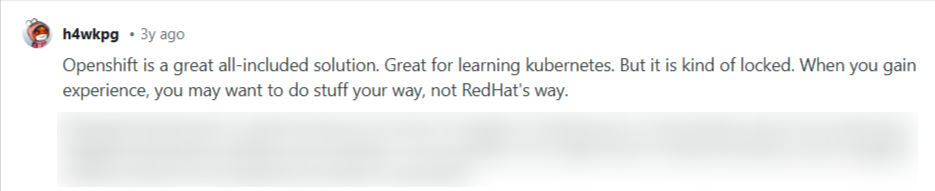
OpenShift can feel rigid and expensive for teams that only need cluster visibility and basic operations. It also limits flexibility and increases operational overhead outside the Red Hat ecosystem.
Source: Reddit
Pro tip: Portainer provides a lighter alternative by adding enterprise RBAC and multi-cluster visibility on top of standard Kubernetes, without locking teams into a full platform stack. You can also use Portainer to manage the complex OpenShift environment without any complexity.
Further reading: Best 5 OpenShift Alternatives For Kubernetes Management & More
Nutanix Kubernetes Platform (NKP): Best for Nutanix Infrastructure Users
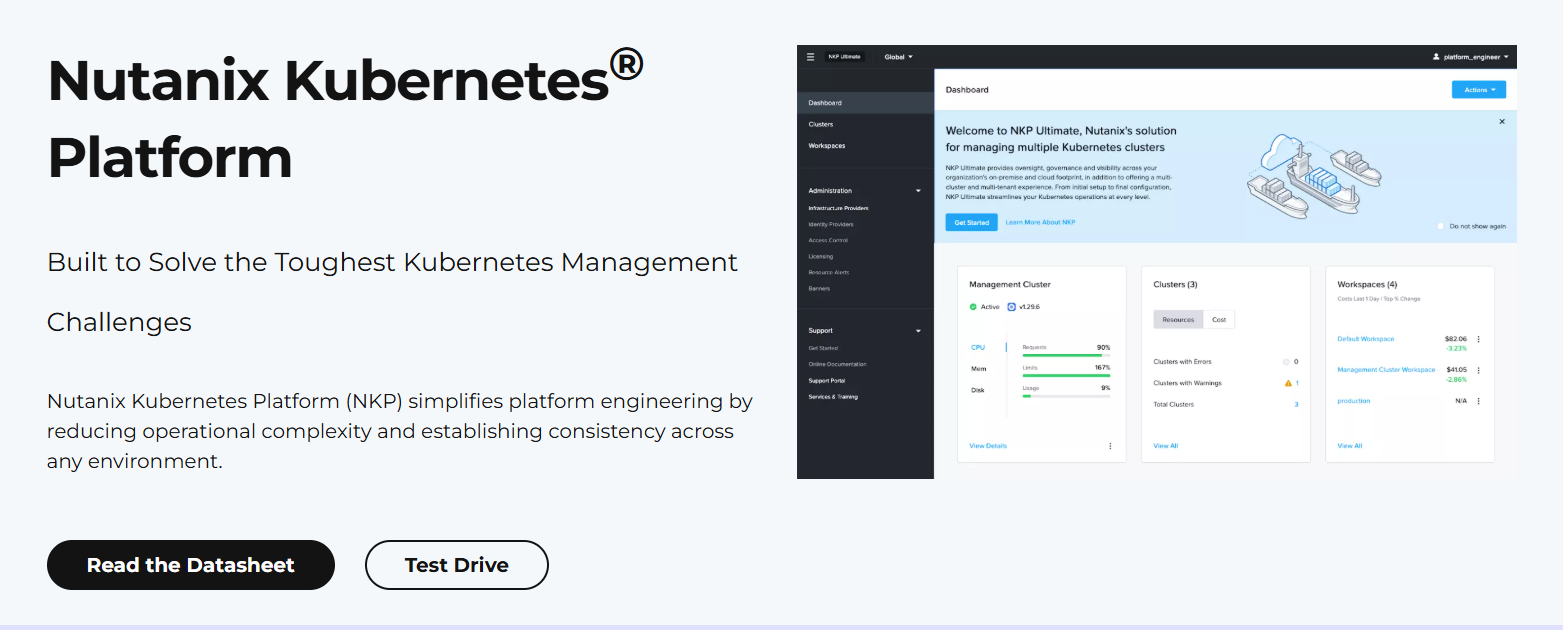
Nutanix Kubernetes Platform (NKP) is a Kubernetes management platform for organizations running Nutanix hyperconverged infrastructure. It simplifies cluster deployment, upgrades, and lifecycle management by integrating tightly with Nutanix Prism, providing built-in automation, monitoring, and enterprise support.
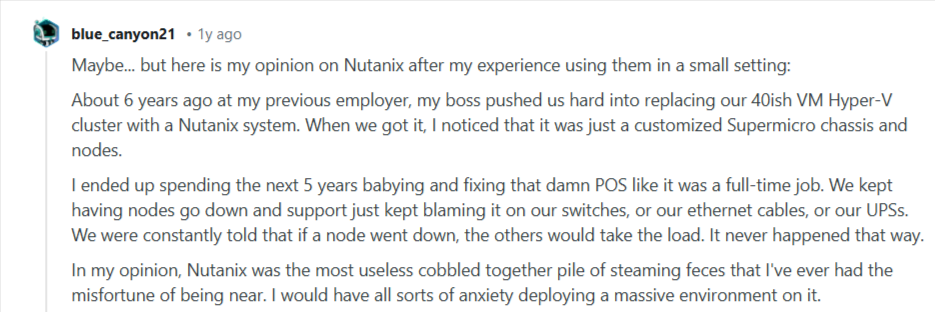
NKP focuses primarily on cluster provisioning and infrastructure-level operations. Its user interface offers limited day-to-day workload management, RBAC granularity, or multi-cluster visibility, making it less valuable for developers or platform teams who need lightweight, operational access.
Source: Reddit
Mirantis: Best for Enterprises Migrating to Containerized Infrastructure
Mirantis Kubernetes Engine is an enterprise-grade Kubernetes and container management platform for enterprises transitioning from legacy container systems. It combines Kubernetes cluster lifecycle management, security controls, and integrated monitoring, with support for multi-cloud and hybrid deployments.
Mirantis stands out for its focus on enterprise security, certified container images, and long-term support, making it a strong option for risk-averse organizations.
However, this Kubernetes management platform is primarily infrastructure-focused. Its UI emphasizes cluster and security management rather than day-to-day application operations, offering limited workload-level visibility and control compared to lighter tools like Portainer.
Portainer: The Recommended Enterprise Kubernetes Management Platform
Portainer provides control, security, and visibility across multiple Kubernetes clusters. It helps your engineers gain confidence knowing access is safe, actions are auditable, and clusters remain consistent.
This platform also enforces fine-grained RBAC, offers a single interface for monitoring workloads, troubleshooting issues, and maintaining system reliability.
Contact our sales team to gain firsthand experience of how your teams can manage Kubernetes smarter and more sustainably.