Kubernetes Lifecycle Management: Challenges & Solutions

Most Kubernetes engineering teams have that one cluster nobody wants to touch. It was set up a couple of years ago, upgraded once under pressure, and now runs workloads nobody can fully account for. Changing anything feels risky, but leaving it alone is worse
That's what happens without Kubernetes lifecycle management.
This guide explains the key stages of the Kubernetes lifecycle, the operational challenges you’ll face as environments scale, and the practical approaches enterprises use to keep clusters stable, secure, and upgrade-ready over time.
What is Kubernetes Lifecycle Management?
Kubernetes lifecycle management is the operational practice of managing Kubernetes clusters throughout their lifespans, from initial provisioning through to decommissioning.
It goes beyond getting a cluster up and running. Lifecycle management is an operational discipline that keeps clusters reliable, upgrade-ready, and sustainable over time. That means handling provisioning, day-to-day operations, scaling, upgrades, and eventual retirement in a consistent, repeatable way.
Without it, your clusters drift out of sync, versions become outdated, security patches lag, and what started as a clean Kubernetes setup becomes a fragile system that nobody wants to touch.
The Key Stages of the Kubernetes Lifecycle
Kubernetes clusters don’t stay static. They move through predictable operational phases, and each phase demands a different kind of attention from your team.
Let’s see the seven stages in practice:
Cluster Provisioning
Provisioning is where the cluster comes to life. This stage covers infrastructure decisions, i.e., node sizing, networking, storage, and access controls, that shape how the cluster behaves throughout its lifespan.
That’s why if you get provisioning wrong, you automatically inherit the consequences at every stage that follows.
Note:
The goal here isn't just to run a cluster, but to build your cluster on a foundation that scales, stays secure, and doesn't require constant rework.
Cluster Configuration & Hardening
Once your cluster is running, it needs to be secured and configured before you deploy any workloads to it. This means setting resource quotas, defining namespace boundaries, applying security policies, and establishing audit logging.
Skipping this stage doesn’t eliminate the work, but it moves it to the worst possible moment: after something breaks.
Configuration and hardening done upfront protect every workload that runs on the cluster going forward.
Workload Deployment
This stage is the most active stage of the Kubernetes lifecycle. At this stage, your application team pushes changes, rolls out updates, and scales workloads continuously.
Lifecycle management at this stage means enforcing consistent deployment practices across teams, controlling how changes roll out and roll back, and ensuring workloads stay within the resource boundaries set during configuration.
Note:
Ensure proper scrutiny (using GitOps or enforcing policies) here to avoid your clusters accumulating inconsistencies quickly.
Monitoring & Day-2 Operations
Running Kubernetes in production means watching it continuously, not just when something breaks. Day-2 operations cover health monitoring, alerting, log aggregation, certificate rotation, and backup.
This stage never ends. As long as the cluster is live, it needs active operational attention. Teams that treat monitoring as a setup task rather than an ongoing discipline are the ones caught off guard when a node fails or a certificate expires.
Cluster Scaling
Clusters rarely stay the same size for long. As workload demands change, you need to scale node pools up or down, adjust resource allocations, and sometimes restructure how workloads are distributed across clusters.
Scaling isn’t just about adding capacity; it’s about doing so without destabilizing what’s already running and ensuring the cluster’s configuration and security posture scales with the infrastructure, not just the headcount.
Cluster Upgrades
Kubernetes releases a new minor version approximately every four months, with each version supported for roughly 14 months. That cadence makes upgrades a routine operational responsibility rather than an optional project.
Staying within the supported version window keeps clusters eligible for security patches and bug fixes. Falling behind turns each upgrade into a high-risk, multi-version jump that most teams dread for good reason.
Decommissioning
Every cluster eventually reaches the end of life (whether it’s being replaced, consolidated, or shut down entirely). Decommissioning means safely draining workloads, migrating persistent data, removing access controls, and cleaning up cloud resources.
When you properly decommission your clusters, you close the lifecycle cleanly. If done otherwise, you leave orphaned infrastructure, lingering permissions, and unexpected cloud costs long after the cluster is gone.
Kubernetes Lifecycle Management vs Cluster Management
Kubernetes lifecycle management and cluster management are two terms that get used interchangeably, but they’re not the same thing. Here’s where they differ:
| Aspect | Kubernetes Lifecycle Management | Kubernetes Cluster Management |
|---|---|---|
| Primary focus | Managing clusters from creation to decommissioning | Running and maintaining existing clusters |
| Scope | Full Kubernetes lifecycle | Daily cluster operations |
| Key activities | Provisioning, upgrades, scaling, migration, and decommissioning | Monitoring, access control, workload scheduling |
| Timeframe | Long-term sustainability of clusters | Day-to-day operational control |
Why Kubernetes Lifecycle Management Is Challenging
Kubernetes handles complexity, but managing it across its entire lifecycle introduces a different kind of complexity that grows with every cluster you add.
The primary issue isn’t any single failure point. It’s that clusters accumulate interdependencies over time: networking configurations, node labels, certificate chains, and undocumented customizations that nobody fully maps out until something breaks.
Reddit’s Pi Day outage in March 2023 is one documented example of this reality. A routine upgrade from Kubernetes 1.23 to 1.24 on one of the company’s most crucial clusters triggered cascading failures across networking, service discovery, and monitoring. This simple issue kept millions of users locked out for exactly 314 minutes.
Making matters worse, Kubernetes has no supported downgrade procedure. Since schema and data migrations run automatically during an upgrade, there is no reverse path; recovery requires a backup restore and full state reload.
Operational scale adds another layer of complexity. Engineers in a Kubernetes practitioner discussion noted that lifecycle management becomes harder as clusters multiply, especially when teams must coordinate upgrades, scaling events, and failure recovery across environments.
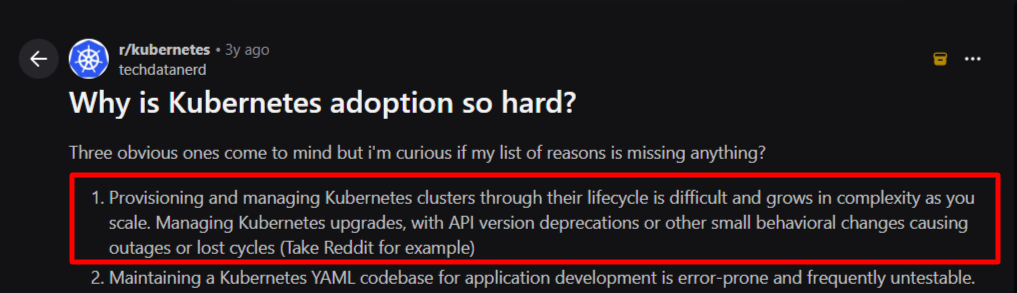
Image: Reddit discussion on operational scale as a Kubernetes lifecycle management challenge
Skills gaps also deepen the problem further. According to the CNCF expert roundup published in November 2025, the percentage of engineers with genuinely deep, real-world experience running Kubernetes in production is low.
That’s why operational complexity routinely catches many teams off guard with clusters lacking proper security configurations and integrations.
But the truth is the challenge is not Kubernetes itself; It is the operational responsibility of keeping distributed infrastructure consistent, secure, and upgrade-ready over time.
The good news: enterprise teams have developed repeatable approaches to managing these complexities. Here's what they do in practice.
How Enterprise Teams Manage Kubernetes Lifecycle in Practice
Enterprise teams treat Kubernetes lifecycle management as ongoing platform operations rather than a one-time deployment task. And the goal is to maintain consistent clusters, safe upgrades, and clear visibility as environments evolve.
Below are common practices used in real production environments:
Standardize Clusters with Reusable Templates
Most teams that struggle with lifecycle management are running clusters that were each built differently, by different people, at different times. Fixing one doesn’t fix the others.
The average Kubernetes adopter now operates more than 20 clusters, with half of businesses running clusters across four or more environments. At that scale, one-off provisioning creates unmanageable inconsistency.
Here’s what you should do instead:
- Define a standard cluster template that covers OS, Kubernetes version, CNI plugin, and security baseline
- Spin every new cluster from that template, not from scratch
- Treat any cluster that deviates from the template as a remediation task
A tool like Cluster API allows you to define the desired cluster state declaratively and have a management cluster work to make that state a reality. This means your cluster configuration lives in version control, not in someone’s memory.
Enforce GitOps to Prevent Configuration Drift
Manual kubectl changes are the fastest way to create a cluster nobody fully understands six months later. Many enterprise teams solve this problem by making Git the only path to cluster changes.
Platform engineering teams now standardize on GitOps workflows to enforce consistency, traceability, and safer deployments. ArgoCD and Flux are day-one tools in most modern platform stacks.
In practice, this means:
- Every configuration change goes through a pull request
- ArgoCD or Flux continuously reconciles the cluster state against what’s in Git
- Any manual change that bypasses Git gets flagged or automatically reverted
By standardizing on GitOps, you can reduce errors and improve stability, particularly in multi-cluster and hybrid environments.
Build a Predictable Upgrade Cadence
You treat upgrades as infrequent, high-risk events; that’s exactly why they’re high-risk. The solution is moving from treating upgrades as large emergencies to small, routine maintenance tasks.
One engineer managing multiple EKS clusters shared his team’s approach on Reddit, and it’s a practical model worth following. He said,
“We spin up a new upgraded cluster, migrate all workloads in small batches using ArgoCD, and delete the old cluster once everything runs stably. The whole process takes about a week. We follow a blue/green deployment model with the canary deployment technique to validate migrations.”
What that looks like operationally:
- Run daily migration drills in your test environment before committing to a production upgrade
- Reset your test environment each evening to mirror the current production configuration
- Use blue/green cluster upgrades for critical workloads
- Give customers or internal teams a coordination window if manifest changes are required
- Build in a hard rule: if testing isn’t clean, the upgrade date moves
The safest method for crucial clusters is the blue/green upgrade pattern: create a new cluster at the target version, sync applications via GitOps, then shift traffic at the load balancer once everything is healthy. This strategy provides an instant rollback path if something breaks.
Use a Kubernetes Management Tool for Centralized Visibility
Once your cluster count grows past three or four, it might be difficult to manage each one independently. Many teams end up context-switching between dashboards, CLI sessions, and environments with no unified view of what’s running where.
That’s why you need a dedicated Kubernetes management tool. It provides centralized cluster dashboards, upgrade orchestration, role-based access management, and workload visibility across clusters.
A Kubernetes management platform like Portainer gives enterprise teams a single interface to manage clusters across cloud and on-premises environments, deploy applications without writing raw YAML, and enforce RBAC at the namespace level.
It also runs on top of your existing Kubernetes environments without replacing your current infrastructure. Portainer also works across on-premises, cloud, and hybrid environments.
Book a demo to see how Portainer gives your team centralized visibility and control across every cluster.
Offload Operational Overhead with Kubernetes Managed Services
Some teams reach a point where the cost of running Kubernetes internally outpaces what the team can absorb. For others, upgrades slip or certificate rotation gets missed.
According to the State of Production Kubernetes 2025 report, 88% of teams report year-over-year increases in total cost of ownership for Kubernetes. A significant portion of that cost is operational, not infrastructure.
A Kubernetes managed service provider like Portainer handles the operational layer (provisioning, upgrades, monitoring, and ongoing lifecycle management), so your engineering team can focus on building rather than maintaining infrastructure.
This is the right move for teams in regulated industries or organizations that need the control of running their own infrastructure without the full-time headcount to manage it at scale
Best Kubernetes Lifecycle Managed Service Providers
Not every team has the bandwidth to manage the full Kubernetes lifecycle internally. These three providers cover the most common use cases, from self-service platform management to fully managed cloud infrastructure:
Portainer
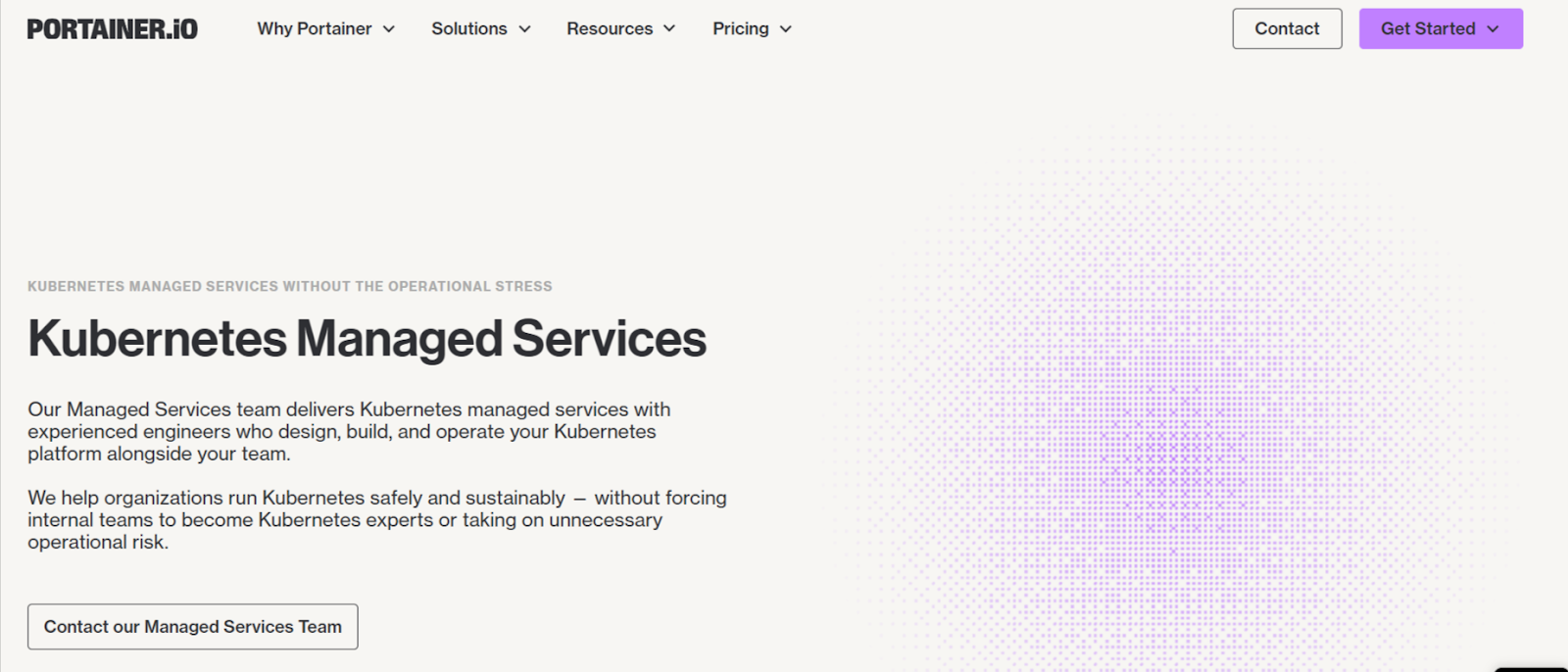
Portainer focuses on Kubernetes managed platform services, combining the Portainer platform with hands-on operational support from experienced Kubernetes engineers.
Instead of handing over your infrastructure entirely, Portainer operates under a shared-responsibility model, helping you design, operate, and maintain Kubernetes platforms while you retain full control and visibility.
The goal is to remove the most stressful parts of running Kubernetes while allowing you to keep deploying and managing applications at your own pace.
Contact the Portainer managed services team to build and operate your Kubernetes platform without the operational burden.
Google Kubernetes Engine
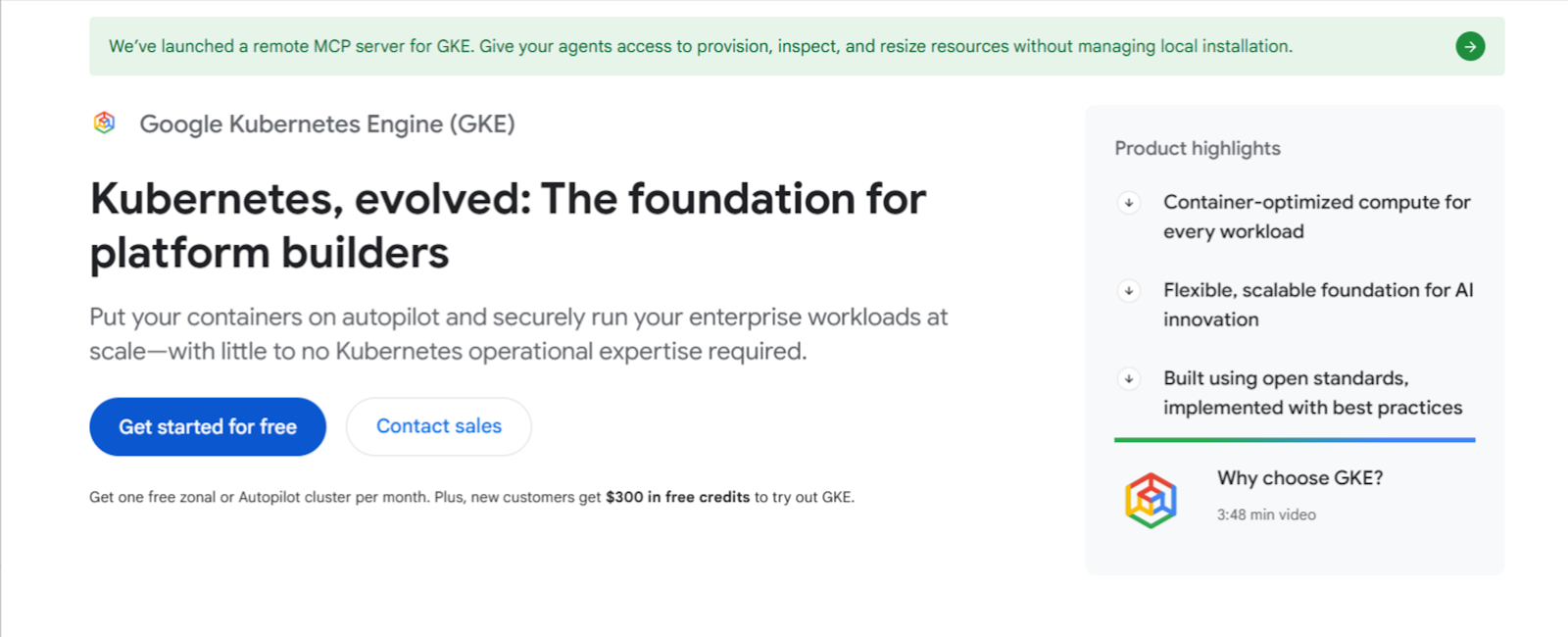
Google Kubernetes Engine (GKE) is a fully managed Kubernetes platform built on Google Cloud infrastructure.
GKE manages the Kubernetes control plane, upgrades, and infrastructure reliability, allowing you to run workloads without maintaining cluster components yourself.
The platform integrates deeply with Google Cloud networking, monitoring, and security tools, making it a strong choice for organizations already running workloads within Google Cloud environments.
Amazon Elastic Kubernetes Service
Amazon Elastic Kubernetes Service (EKS) provides managed Kubernetes for organizations operating within the AWS ecosystem.
AWS manages the availability and lifecycle maintenance of the Kubernetes control plane, while you manage worker nodes and application workloads. EKS integrates with core AWS services, including IAM, load balancing, and CloudWatch monitoring.
Further reading: Best Kubernetes Managed Service Providers
Empower Your Team with Portainer Kubernetes Managed Services
Managing your Kubernetes lifecycle doesn’t have to fall entirely on your internal team.
Portainer’s Managed Platform Services pair you with real Kubernetes engineers who design, build, and operate your platform. At the same time, your team retains full visibility and self-serve control through the Portainer application.
If your team is spending more time keeping clusters running than building what matters, that’s the right signal to explore a different model.
Contact Portainer’s managed services team to build and operate your Kubernetes platform while you focus on what matters.