Citizen Developer: 5 Best Practices & Solutions for IT Leaders

Gartner predicts that by 2026, developers outside formal IT will account for at least 80% of those building applications using low-code tools. One of the biggest reasons for this is the rise in demand for AI coding, which turns plain-language prompts from everyday business users into working applications.
These are your citizen developers: employees outside of IT who use low-code, no-code, and AI tools to create applications that solve problems in their own departments.
For the IT leaders who have to support them, this creates a familiar tension between enabling that work and keeping security and infrastructure firmly under control.
This guide covers what a citizen developer is, why enterprises are investing so heavily in them, the risks worth managing early, and the best practices and tools that let you scale citizen development safely across the organization.
Why Citizen Developers Are Becoming More Popular in Organizations
Citizen development has moved from a fringe experiment to a core part of how enterprises build software. Here are a few of the reasons why.
1. The developer shortage has turned central IT into a bottleneck
A Korn Ferry study projects a global shortfall of 85.2 million skilled workers by 2030, with roughly $8.5 trillion in unrealized annual revenue, and the technology sector alone is short by 4.3 million people.
When an enterprise can’t hire fast enough to keep up, every internal tool the business asks for competes for the same scarce engineering hours, and the requests stack up behind higher-priority work.
Citizen development relieves some of that load by moving simple, well-scoped builds out of the central queue. For example, a finance analyst who builds their own reporting tool can potentially free up a platform engineer for work only they can do. For enterprise IT teams already stretched thin, this redistribution of effort becomes essential to keeping delivery moving.
2. AI has removed the technical barrier to building software
Low-code and no-code tools lowered the barrier to building software, and AI has effectively removed it. In Stack Overflow’s 2025 survey, 84% of developers said they use or plan to use AI coding tools, up from 76% a year earlier. The same assistants that accelerate professional developers are now available to business users across every department.
This is where the meaning of citizen developer has expanded. A few years ago, that meant assembling apps from visual, drag-and-drop building blocks. Today, it can mean prompting an AI tool to generate a functioning app from scratch, often without realizing there’s code underneath.
This speed is what drives the trend so quickly, and it also makes governance harder because these apps can appear without ever passing through IT.
3. Internal tools reach production faster when the business builds them
Research from the Economist Intelligence Unit, commissioned by Appian, found that the average company has a backlog of IT projects ranging from three months to more than a year. And more than half of leaders said business units already do as much as IT does to build or procure new applications.
This backlog is exactly what citizen development is positioned to clear. When the person who needs a tool can build it themselves, simple workflows and automations reach production in days rather than waiting a quarter in the queue. This also takes pressure off IT and delivers what the business needs sooner.
An ops manager who wants a small approval-tracking app, for instance, can assemble it the same week instead of watching it slide down the engineering priority list.
4. Enterprises are now building citizen development into their strategy
Gartner expects low-code technologies to account for 75% of new application development by 2026, up from 40% in 2021. What used to be scattered, unofficial tool-building is now something enterprises plan for on purpose, standardizing on citizen development platforms, funding formal programs, and counting business-built apps as part of their real application portfolio.
Part of the appeal is fit. Domain experts understand their own problems better than any outside team, so the tools they build usually align more closely with the work and require fewer rounds of revision.
A claims team at an insurer, for example, can shape its own case-tracking tool around the way it actually processes claims, rather than briefing IT and hoping the outcome matches. Freeing scarce engineers from routine internal requests then lets them focus on the complex, high-value systems only they can deliver.
None of this comes for free, though. The same speed and independence that make citizen development attractive also introduce real risks around security, compliance, and control.
Key Considerations to Keep in Mind When Using Citizen Developers in Your Organization
If you’re bringing citizen developers into your organization, here are some key considerations to plan for before you scale a program.
1. The deploy step is where citizen development becomes shadow IT
Red Access, in its Shadow Builders research, identified around 5,000 corporate applications built on AI coding platforms, and 40% of them exposed sensitive data without basic access controls, making them reachable by anyone with the URL. So many of these apps slip through because the risk is concentrated at deployment, a step that increasingly happens with no IT involvement at all.
This isn’t due to malicious intent, though. A one-click public deployment simply leaves nothing for IT to work with: no inventory of what exists, no owner of record, and nothing for security to review. And since you can’t govern what you can’t see, keeping citizen development safe starts with a sanctioned deployment path that every app runs through.
2. AI-generated code carries security flaws by default
According to Veracode’s GenAI Code Security Report, 45% of AI-generated code introduced security vulnerabilities, many of which were OWASP Top 10. So the exposure is baked in from the start: a business builder describing what they want in plain language has no reason to specify security requirements; the model doesn’t add them on its own; and the code reaches production working but exposed.
These are flaws a professional review would normally catch:
- Injection vulnerabilities that let untrusted input reach a database or shell.
- Missing authentication or access checks on sensitive endpoints.
- Hardcoded secrets and API keys committed straight into the app.
- Absent input validation that leaves the door open to abuse.
None of this makes AI-built apps unusable, but it does mean they need the same gate as any other code, where every artifact passes scanning and policy checks before it runs.
3. Business builders should never hold direct access to infrastructure
Escape.tech scanned 5,600 vibe-coded applications and found more than 400 exposed secrets and 175 instances of exposed personal data, including medical records and bank details, all sitting in live production systems. Much of this traces back to how business users wire up their apps, granting them broad credentials or connecting them directly to a production database, so the secrets and connections end up living inside an app nobody is watching.
The fix is to keep infrastructure access entirely out of the builder’s hands. A safer model lets people deploy without ever directly touching a cluster, binds each person’s permissions to their identity, and confines each app to its own isolated space. Least privilege and namespace isolation together prevent a single insecure app from becoming a route into everything around it.
4. Every app needs an owner, a lifecycle, and an audit trail
IBM’s 2025 Cost of a Data Breach Report put the average shadow AI-related breach at $4.63 million, about $670,000 above a standard breach, and found that 63% of organizations hit by an AI-related breach had no AI governance policy in place.
This cost keeps building after launch because an app built by one person often becomes an orphan the moment they change teams or leave, and across a department, that turns into sprawl: dozens of half-forgotten apps holding data, none of them being tracked.
Getting this right means every app has a home from the day it goes live. A governed system of record gives you:
- A named owner (no app is left unclaimed when someone moves on)
- A full deployment history (every change stays visible)
- One-click rollback (fixing or reverting an app becomes routine)
- A complete inventory (audits reflect what is actually running)
None of these risks argue against citizen development. They argue for giving it a governed path, one in which business users get true self-service while IT retains control over security, access, and auditing.
Business teams will keep building and deploying AI-built apps regardless of process. Portainer-Run gives them a self-service way to do it safely, deploying straight onto the Kubernetes you already operate, while every app runs through the scanning, RBAC, and audit trail Portainer Business already enforces. Builders connect using a personal access token and never touch a cluster, while IT maintains a complete inventory of everything that’s live. See how Portainer-Run works.
Differences Between Citizen Developer vs Professional Developer
Citizen developers are business users who build applications with low-code, no-code, and AI tools, whereas professional developers are trained engineers who build and maintain software in code. The two play different roles in a modern enterprise.
Here’s how they compare:
| Dimension | Citizen Developer | Professional Developer |
|---|---|---|
| Who they are | A business-domain employee outside IT, in finance, operations, or analytics | A trained software engineer on an IT or product team |
| Tools they use | Low-code, no-code, and AI coding assistants | Programming languages, IDEs, frameworks, and SDKs |
| Technical background | Little to no formal coding experience | Deep knowledge of code, architecture, and systems |
| What they build | Departmental tools, dashboards, workflows, and automations | Core systems, customer-facing products, and complex integrations |
| Speed and scope | Builds small, well-scoped apps quickly for their own team | Delivers high-stakes, performance-critical software for the whole business |
| Oversight needed | Needs guardrails, security review, and a governed deploy path | Works within established engineering and security practices |
Citizen developers and professional developers complement each other, where the former covers the everyday tools closest to the business and the latter owns the systems that demand real engineering depth.
How Citizen Developers Build Applications
There’s no single, fixed way citizen developers build applications, and the exact steps vary by tool and team. Still, the work usually moves through a recognizable rhythm. Here’s what that looks like inside an enterprise.
- Start with a problem worth solving. It begins with a friction point in someone’s workflow: a manual process, a spreadsheet that’s outgrown itself, or a report that takes hours to pull together. The person closest to the problem sets the goal, looks at how the team actually works today, and decides to fix it themselves rather than wait on IT.
- Get the data in place. Every useful app runs on real information, so the builder shapes a simple data model and pulls in the data the app depends on, from an internal database, an API, or a system the team already uses. This is the moment a personal project starts touching enterprise data, which is why controlling sensitive fields early matters.
- Design what people will use. With data ready, the builder lays out the screens, forms, and flows that make up the experience, and decides which features the app genuinely needs. The aim is something focused and obvious to use.
- Add the logic that makes it work. The final step turns a static interface into a working tool: business rules, form logic, automations, connections to other systems, and the notifications that fit it into everyday work.
Now let’s look at how real organizations put this to work at scale.
Case Studies & Examples of Successful Citizen Development Programs
1. Wesco: 100,000 hours saved a year through governed citizen development
Wesco, a global supply chain and distribution company, managed all of its automation through a single central team. This setup worked for big, company-wide projects, but smaller departmental improvements kept piling up with no one to build them. The employees who knew those processes best couldn’t act on their own ideas.
The company launched a formal citizen development program, starting with 20 employees and a governance framework signed off by its C-level, IT, and audit teams, then trained people across departments to build their own automations within those rules. It grew to more than 200 trained citizen developers, whose automations now save the company over 100,000 hours a year. Governance came first, which allowed the program to scale without becoming unmanaged shadow IT.
2. Dentsu: turning a central bottleneck into a company-wide program
Dentsu, a global marketing and advertising group, faced the same kind of pressure. Its people had plenty of automation ideas, but a central team could only build so many, and the real value sat in hundreds of small, repetitive tasks spread across the business. Building each one centrally was never realistic.
Rather than grow the central team, Dentsu trained its own employees to build automations themselves, using self-study courses and hands-on hackathons, with every automation centrally governed and tracked. In one hackathon, a single team built automations expected to save more than 850 hours a year, part of thousands of hours saved across the program. The central team moved from building everything to guiding and overseeing the work, which is the balance any program needs to grow safely.
Both programs scale for the same reason: business users build within guardrails that IT sets once. The same principle applies to the harder problem of running those apps on real infrastructure, where a governed deployment path like Portainer-Run lets people deploy safely while IT maintains control.
5 Best Practices for Utilizing Citizen Developers Successfully
Now that we’ve covered the risks, the roles, and what good programs look like in practice, let’s look at five best practices IT and platform teams use to run citizen development safely at scale.
1. Establish governance and guardrails before you scale
The organizations that scale citizen development without incident are usually the ones that put governance in place before the first business-built app reaches production, rather than trying to impose order once apps are live and habits have set.
Building the rules in early means deciding up front how the program will be controlled:
- Who is allowed to deploy, and into which environments.
- What resources an application can consume, so no single app can starve the rest.
- Which data and systems an app is permitted to reach.
- What security and compliance standards every deployment has to meet.
For these rules to hold at scale, they have to be enforced automatically rather than checked by hand, since signing off on every deployment by hand recreates the bottleneck citizen development was meant to remove. Codified policies, admission controls, and pre-approved templates let teams hold the line without slowing anyone down, which is the balance strong Kubernetes governance is designed to strike.
MIT Sloan research makes the same point at the program level, naming governance and guardrails among the four pillars of a successful citizen development effort. Clear boundaries build confidence too, because when business users trust that the limits are enforced consistently, they build more freely and IT spends less time policing work after the fact.
2. Standardize the platforms and the path to production
Without a deliberate standard, citizen development fragments across the business, with every team choosing its own tools, its own way to deploy, and its own place to run things, until IT finds itself supporting a patchwork it never chose.
Mature programs head this off early by approving a short list of sanctioned building tools and, more importantly, defining a single path to production that every application travels through, regardless of who built it.
The path matters more than the build tool, because the path is where governance actually lives. When every app reaches production the same way, the same access rules, scanning, and audit trail apply automatically.
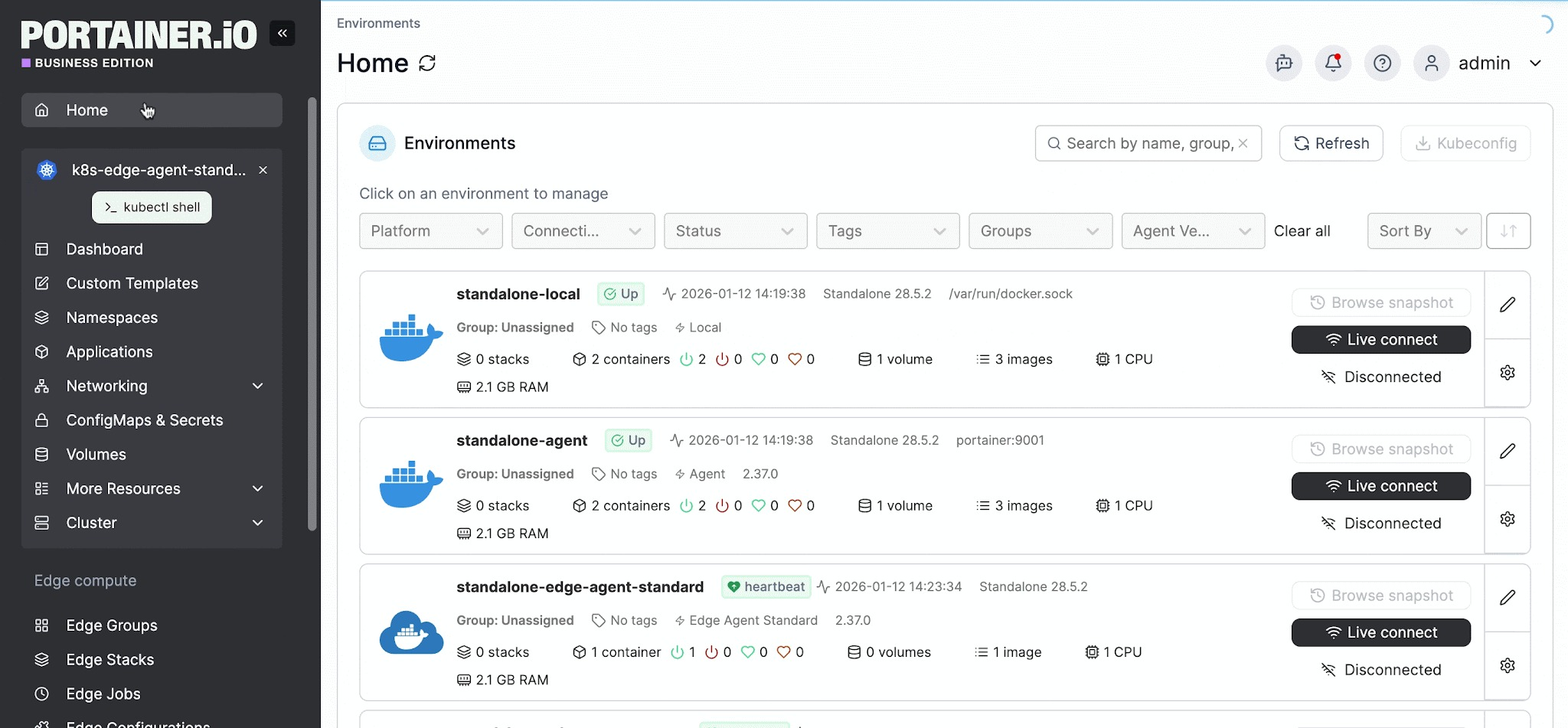
Machina saw this firsthand: after standardizing its deployment on Portainer Business as a single control plane, developers could release their own work while access stayed centrally governed through the company's existing identity system, cutting deployment time by as much as 95%.
3. Build security into the deployment pipeline
Business users can’t be expected to secure their own code, and as covered earlier, AI-generated applications frequently carry vulnerabilities their builders never notice. The way to handle this at scale is to move security into the deployment path itself, so it runs against every application automatically instead of depending on each individual to get it right.
In practice, this path enforces three things on the platform team’s behalf:
- Scanning of source and container images before anything is allowed to run.
- Policy enforcement at admission, so a workload that breaches your standards is rejected before it starts.
- Secure-by-default templates, so builders inherit safe configurations without having to understand them.
Configured once by the platform team, these controls apply to every deployment that follows. This is the model behind Portainer-Run, where governance runs across the repository, the runtime, and the access layer without the person deploying needing to know it exists.
4. Enable self-service inside clear boundaries
Self-service only delivers value if it’s genuine, which means business users can deploy without waiting on IT for each release. Making it safe is a matter of bounding it carefully, so people build and deploy freely but only inside the limits IT has defined:
- Specific namespaces and environments they're allowed to deploy into.
- Resource quotas that cap what any one app can consume.
- Permissions tied to each person's identity.
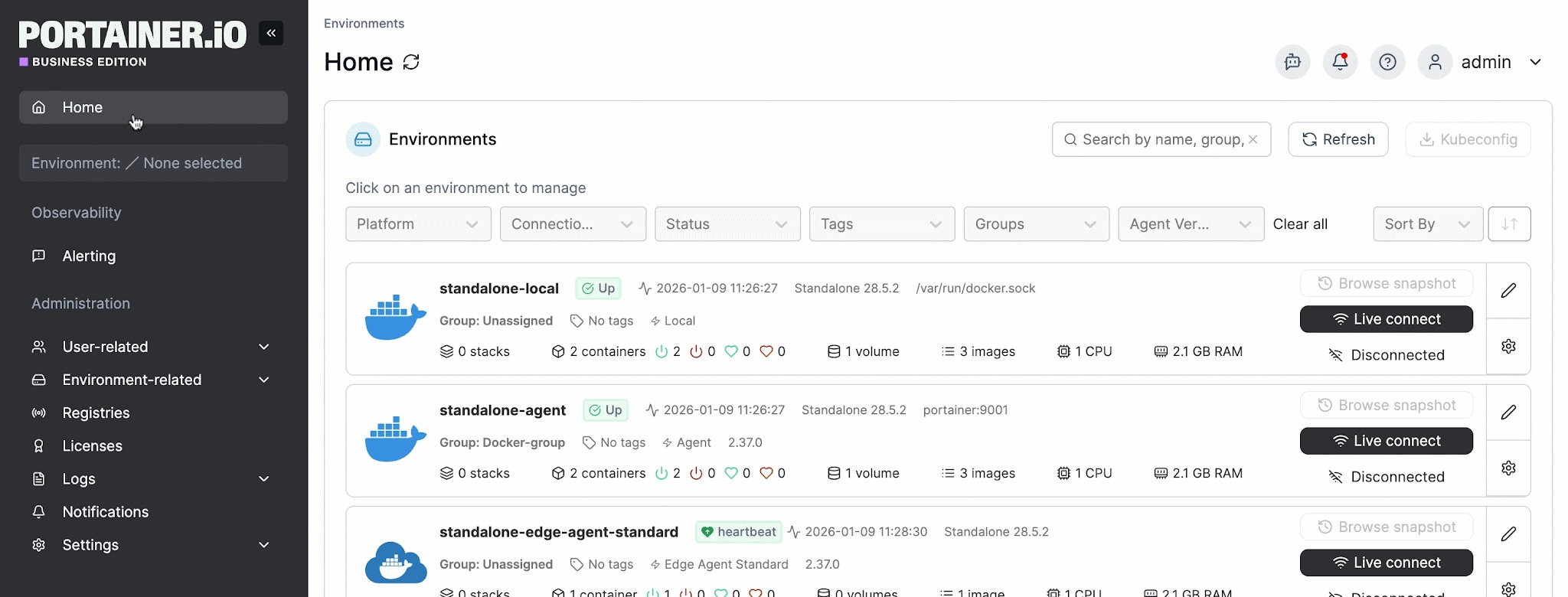
Access is the boundary that matters most. As covered earlier, business builders shouldn't hold direct cluster credentials, so the practice is to give each person a scoped identity that lets them deploy only where they've been granted permission, keeping any error contained to their own space. Portainer Business supports this with granular RBAC managed from a single control plane, letting platform teams delegate deployment without over-permissioning anyone.
Approval workflows still have their place, though mature teams apply them with judgment rather than across the board. Routine, low-risk deployments proceed without a gatekeeper, while anything touching sensitive data or production systems is routed through review, so oversight sits where it actually reduces risk.
5. Monitor, inventory, and manage the full lifecycle
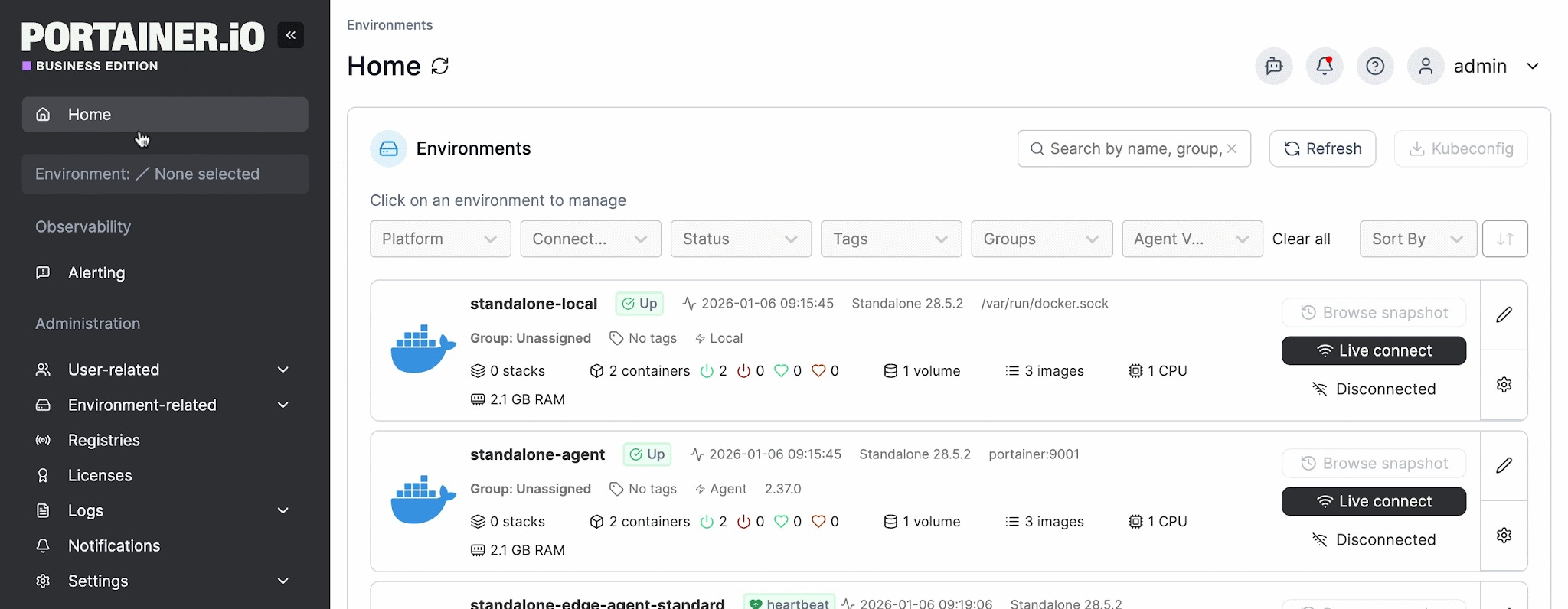
An application’s riskiest period often arrives long after launch, once it’s running unattended, holding data, and gradually being forgotten. Mature programs plan for the entire lifecycle, starting with a complete inventory that shows every running app, its owner, and where it lives, so nothing slips out of view.
Continuous visibility keeps the program healthy from there, as teams track usage, resource consumption, and access behavior, then route real-time alerts to whoever can act on them. Portainer Business contributes here with real-time workload visibility, audit logs, and built-in alerting that work alongside deeper observability tools such as Prometheus and Grafana rather than replacing them.
A defined end state matters just as much. Every application eventually needs a clear way to be updated, rolled back, and retired, so a departing employee or a superseded tool doesn’t leave an orphaned workload running in the background. Organizations that manage this well treat retirement as a deliberate act, removing an app and its record together, which keeps the inventory trustworthy and audits straightforward.
Key Tools and Platforms to Enhance The Citizen Developer’s Success
Here are some of the key self-service deployment platforms for citizen developers:
| Tool | Category | Key Features | Ideal users/teams |
|---|---|---|---|
| Portainer-Run | Governed self-service deployment | Deploy AI-built apps onto your own Kubernetes; GitOps commit; namespace-scoped RBAC; scanning on the deployment path; audit trail; one-click rollback; on-prem, cloud, edge, and air-gapped | Business builders, plus the IT and platform teams governing their deployments |
| Northflank | Cloud application platform (PaaS) | Build and deploy to managed cloud or your own cloud account (BYOC); CI/CD; managed databases; preview environments | Cloud-native teams deploying to public cloud |
| Backstage | Internal developer portal (open-source) | Software catalog, self-service templates, and docs; extensible plugin ecosystem; self-hosted | Engineering-led platform teams building their own portal |
| Port | Internal developer portal (SaaS) | Software catalog, self-service actions, and scorecards; managed service | Platform teams wanting a managed portal without the maintenance |
1. Portainer-Run: Best for governed self-service deployment on your own infrastructure
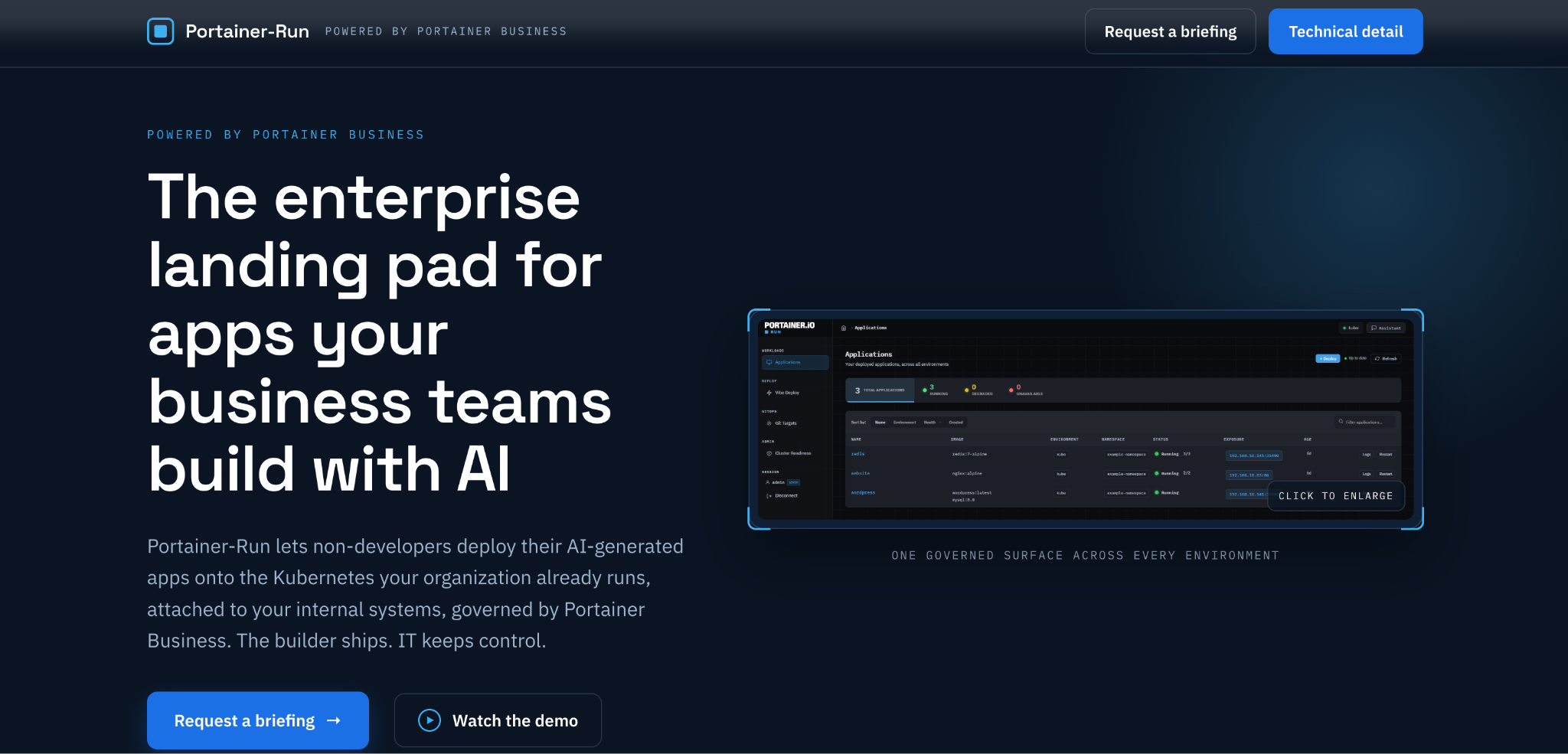
Portainer-Run is the deployment layer built specifically for citizen development. It gives business users a self-service way to deploy the applications they build onto the Kubernetes the organization already operates, while every deployment runs through the governance IT controls.
It’s powered by Portainer Business, the control plane underneath it. Portainer Business is what enterprises use to manage Kubernetes, Docker, and Swarm environments from one place, across cloud, on-premises, and edge, with centralized RBAC, policy enforcement, and audit logging.
Portainer-Run adds the self-service layer on top, so the same governance IT already relies on now extends to the apps business users build. The result is enterprise-grade control (scanning, access management, and a full audit trail) without the overhead of building a bespoke deployment platform or expanding the platform team to run it.
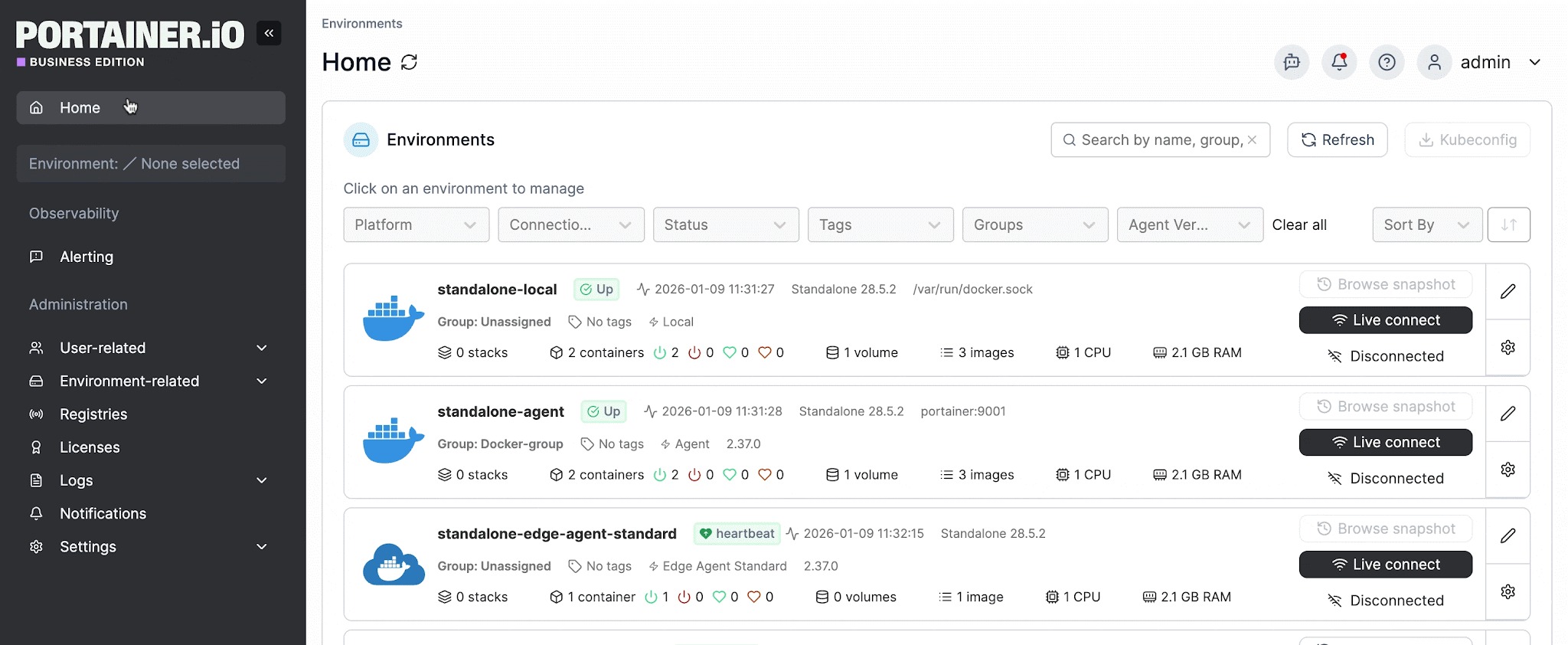
The reason it fits citizen development so well is that the person deploying needs to know nothing about the infrastructure underneath. They upload the files their AI tool produced, or deploy straight from an AI coding assistant, and Portainer-Run handles the rest.
Key features
- Self-service deployment for non-developers, with no Kubernetes, YAML, or command line involved.
- A governed pipeline that commits each app to a sanctioned Git repository, then reconciles it into the assigned cluster and namespace.
- Namespace-scoped RBAC, so builders connect with a personal access token rather than cluster credentials and can only deploy where they're permitted.
- Scanning and admission control on the path, so insecure code is caught before it runs.
- A full audit trail, complete app inventory, and one-click rollback.
- Deployment across cloud, on-premises, edge, and air-gapped environments.
Because Portainer is vendor-agnostic, Portainer-Run deploys onto whatever infrastructure you already operate, any Kubernetes distribution, across cloud, on-premises, or edge, so giving business builders a deployment path doesn’t lock your organization into a single provider’s platform.
And because it deploys directly onto that infrastructure, applications and their data stay within your environment, including fully air-gapped setups where cloud-hosted platforms can’t operate. For regulated industries, government, and defense, this keeps citizen development within the same boundaries as everything else IT runs.
Best for
- IT and platform teams giving business users a safe, self-service deployment path.
- Regulated, distributed, or air-gapped organizations that can’t send apps or data to an outside cloud.
- Enterprises that want a complete app inventory, with no shadow deployments to find later.
For teams enabling citizen developers on their own infrastructure, Portainer-Run is the piece that turns self-service into something IT can safely support.
Kubernetes without the complexity
2. Northflank: Best for cloud-native teams
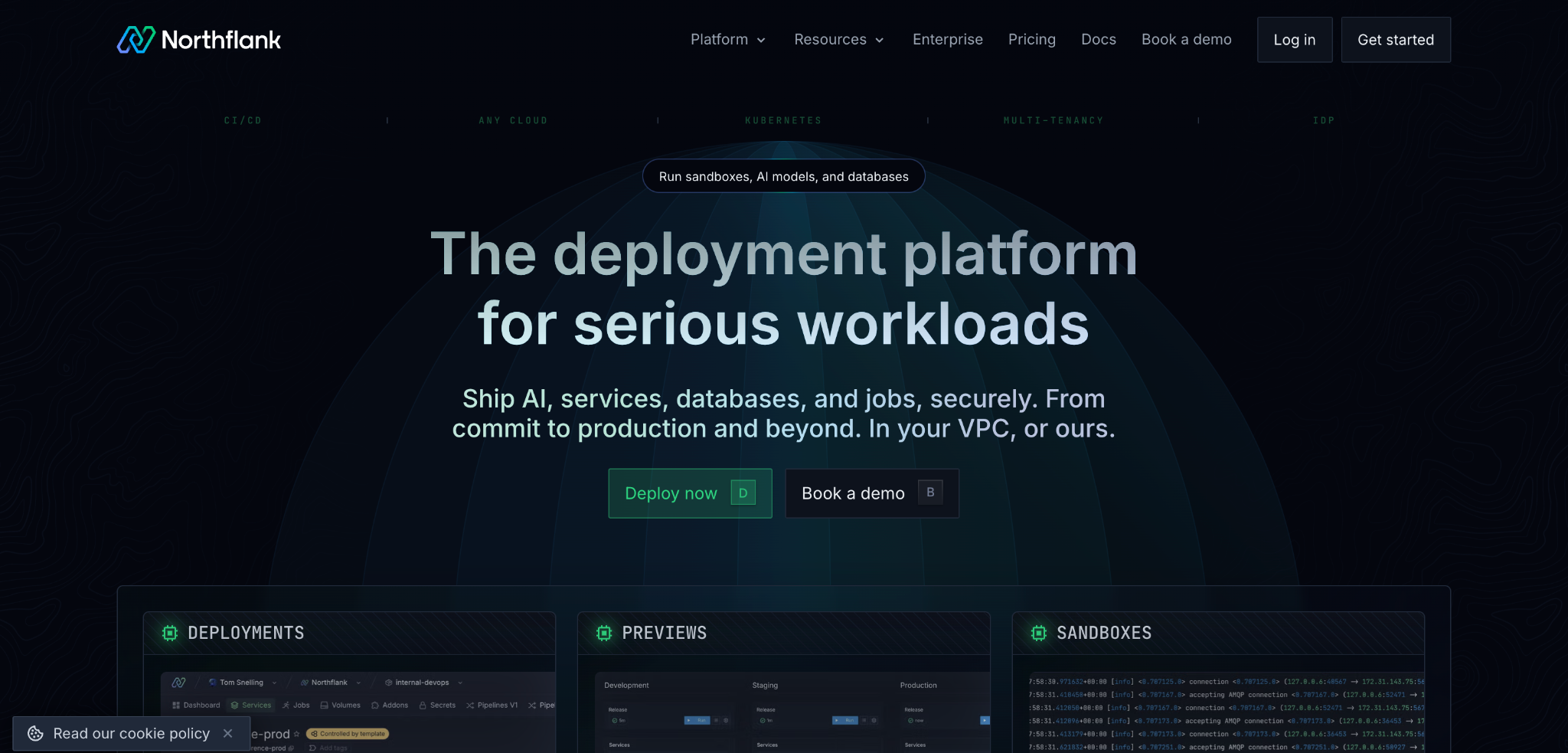
Northflank is a full-stack cloud platform for deploying applications, including the AI-built apps citizen developers produce. Teams push their code and Northflank handles the build, deployment, and managed infrastructure, either on its own cloud or in the team’s own cloud account through a bring-your-own-cloud model.
Its strengths are developer experience and speed, with CI/CD, managed databases, and preview environments handled for you, so a team can go from code to a running service quickly.
The consideration for a citizen development program is that Northflank operates in the cloud. Organizations that need to deploy inside their own network, on-premises, or in air-gapped environments fall outside what a cloud-hosted platform can reach.
3. Backstage: Best for engineering-led platform teams
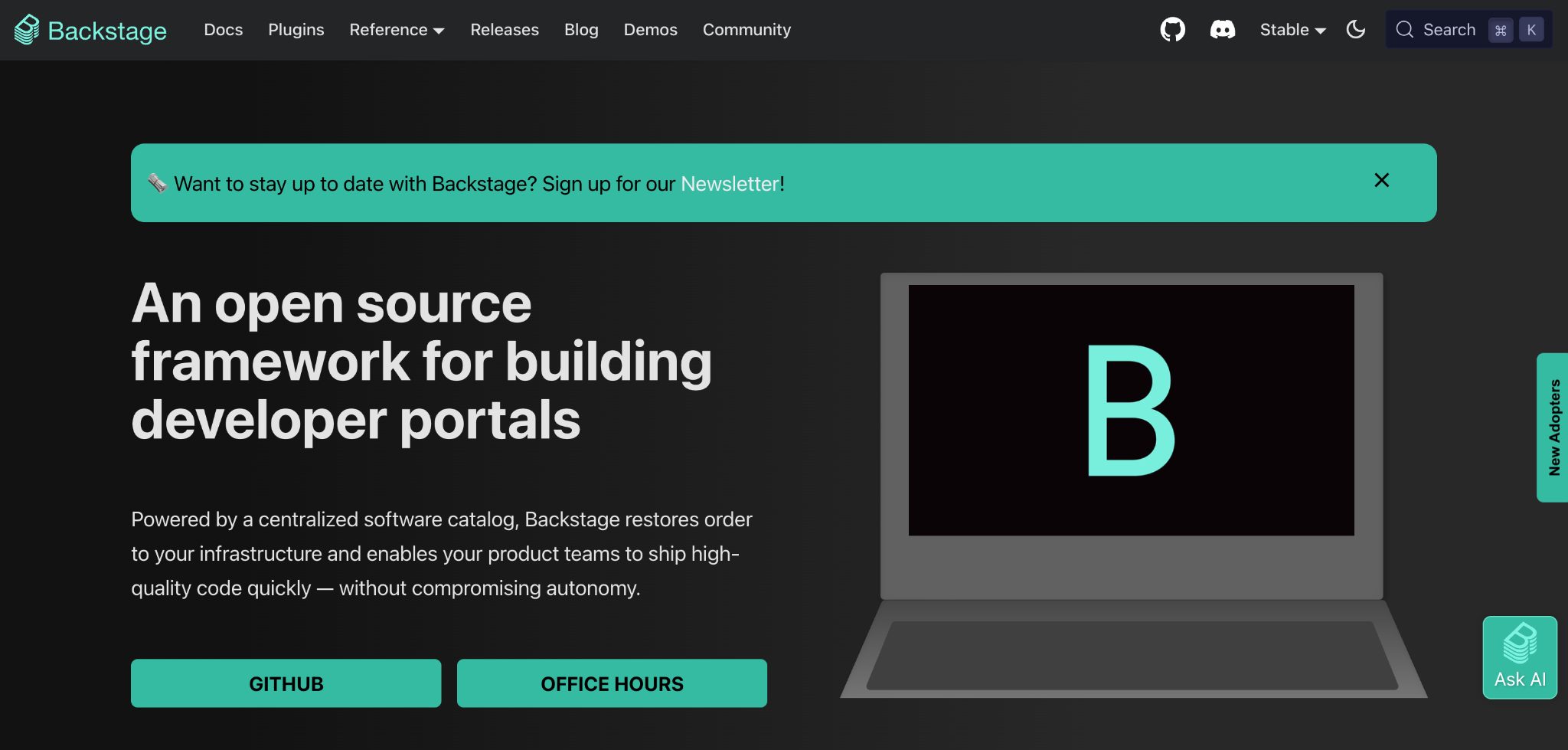
Backstage is an open-source internal developer portal, originally built at Spotify and now widely adopted through the CNCF. It centralizes a software catalog, technical documentation, and self-service templates, giving teams one place to scaffold and manage their services.
Its biggest strength is flexibility, because it’s open-source and highly extensible through plugins, so teams can shape it into almost exactly the portal they want.
The trade-off is that Backstage is a framework rather than a finished product, so it takes real platform-engineering effort to deploy, customize, and maintain. It’s also designed for software engineers rather than non-technical business users, which makes it a strong fit for developer self-service but a less natural one for the citizen developers.
4. Port: Best for a managed internal developer portal
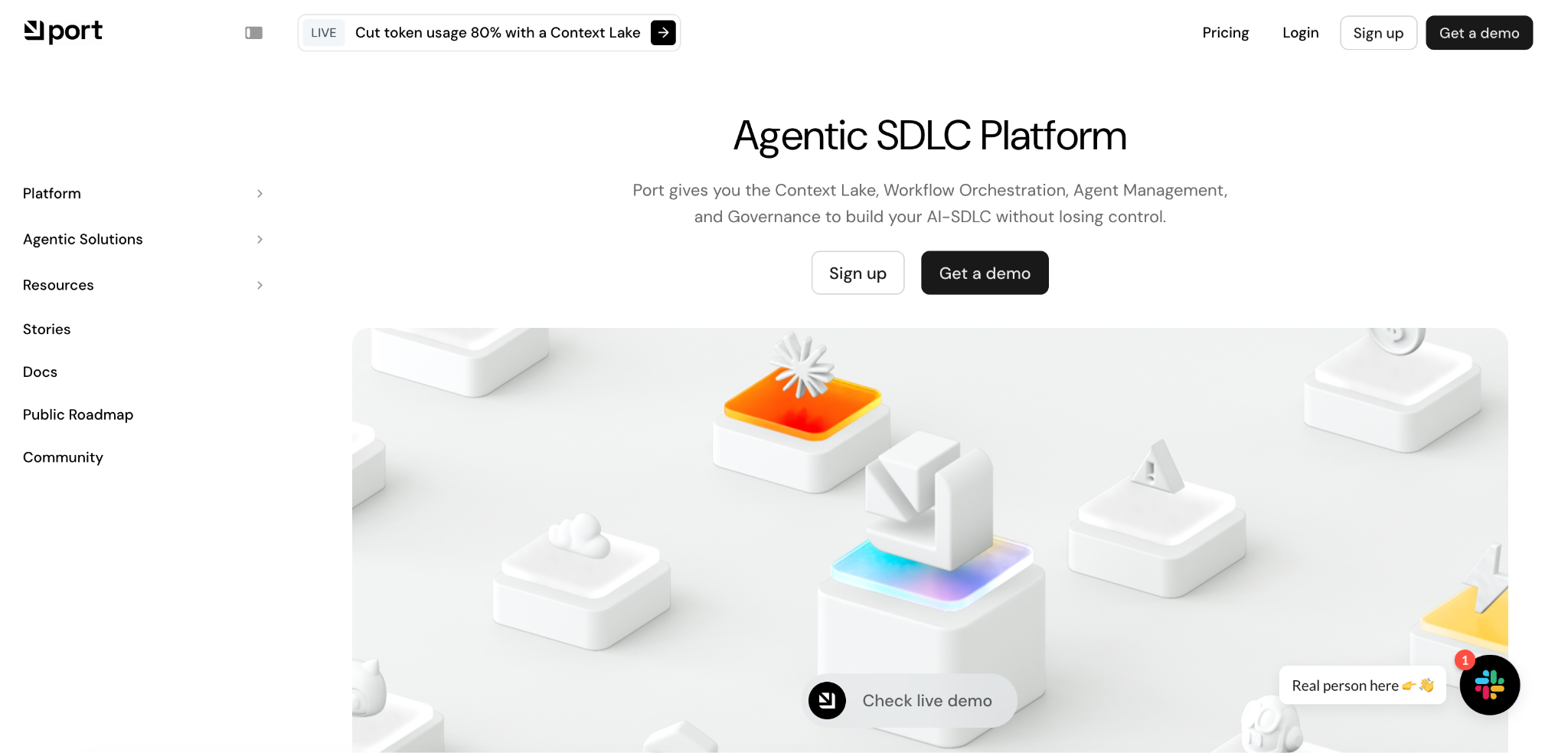
Port is a commercial internal developer portal delivered as a managed service. Like Backstage, it provides a software catalog, self-service actions, and scorecards, but without the work of building and hosting the portal yourself, which makes for a faster route to something usable.
For platform teams that want internal developer portal capabilities without maintaining open-source tooling, that managed approach is the main draw.
As with other portals in this category, Port is aimed at developer self-service inside engineering organizations, so it speaks to technical users more than the business builders a citizen development program is trying to enable.
Use Portainer to Enable Secure, Self-Service Application Deployment Across Teams
Citizen development is only going to grow, and the organizations that get ahead of it are the ones giving business builders a safe way to deploy while IT keeps control.
This is the balance Portainer-Run is built to deliver: business users deploy the apps they build onto the Kubernetes you already operate, and every deployment runs through your existing RBAC, scanning, and audit trail, on-premises, in the cloud, or air-gapped.
If your teams are already building with AI, the deployment path is the part worth solving now, before unmanaged shadow apps spread across the business.
Want to see it in action? Book a demo to watch Portainer-Run deploy a real app on the infrastructure you already run.
FAQs
1. What is a citizen developer?
A citizen developer is an employee outside of IT who builds applications using low-code, no-code, or AI coding tools, usually to solve a problem in their own team. They typically sit in a business function like finance or operations, and they build to get their own work done rather than to write software for a living.
2. Are citizen developers replacing professional developers?
No. Citizen developers handle the long tail of small, department-specific tools, while professional developers build the complex, high-stakes systems that need real engineering. In most organizations, enabling citizen developers frees professional developers to focus on that harder work.
3. Do citizen developers create security risks for IT teams?
They can, though the risk comes from how apps are deployed and governed rather than from the practice itself. Problems appear when apps go live with no review, connect to sensitive systems, or run with no owner. With a sanctioned deployment path, scoped access, and scanning before anything runs, citizen development stays safe and productive.
4. What types of applications are best suited for citizen developers?
Citizen developers do their best work on well-scoped internal tools: departmental workflows, approval trackers, reporting dashboards, data-entry forms, and simple automations that connect systems a team already uses. Applications that involve sensitive regulated data, complex integrations, high transaction volumes, or strict performance requirements are better left to professional engineering teams. A good rule of thumb is that the smaller and more self-contained the problem, the better the fit.