How To: Get MYSQL on Kubernetes with PVC from a Block Storage Device working
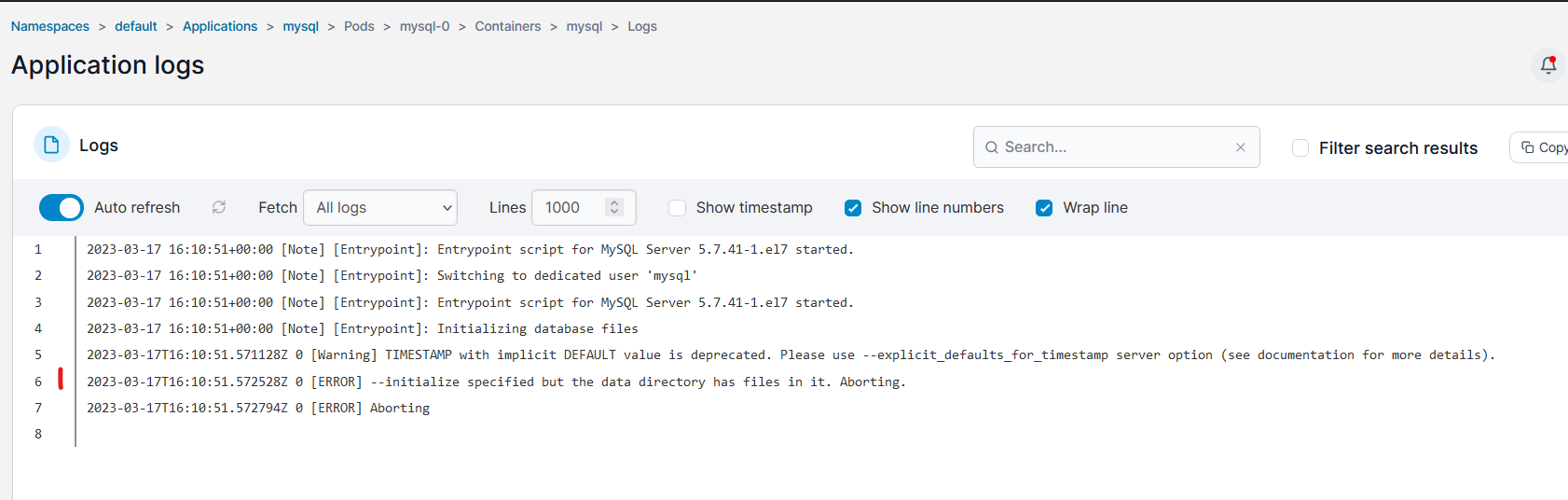
So, in MySQL 5.7 and newer, if you are deploying it on Kubernetes, and the underlying CSI driver is a "block" storage device, then its highly likely that your MySQL deployment will fail.
You will deploy a perfectly valid configuration, but the MYSQL pod will sit in a terminating loop cycle. Inspecting the logs of the POD will show you this error:
[ERROR] --initialize specified but the data directory has files in it. Aborting.
As per the pic below...
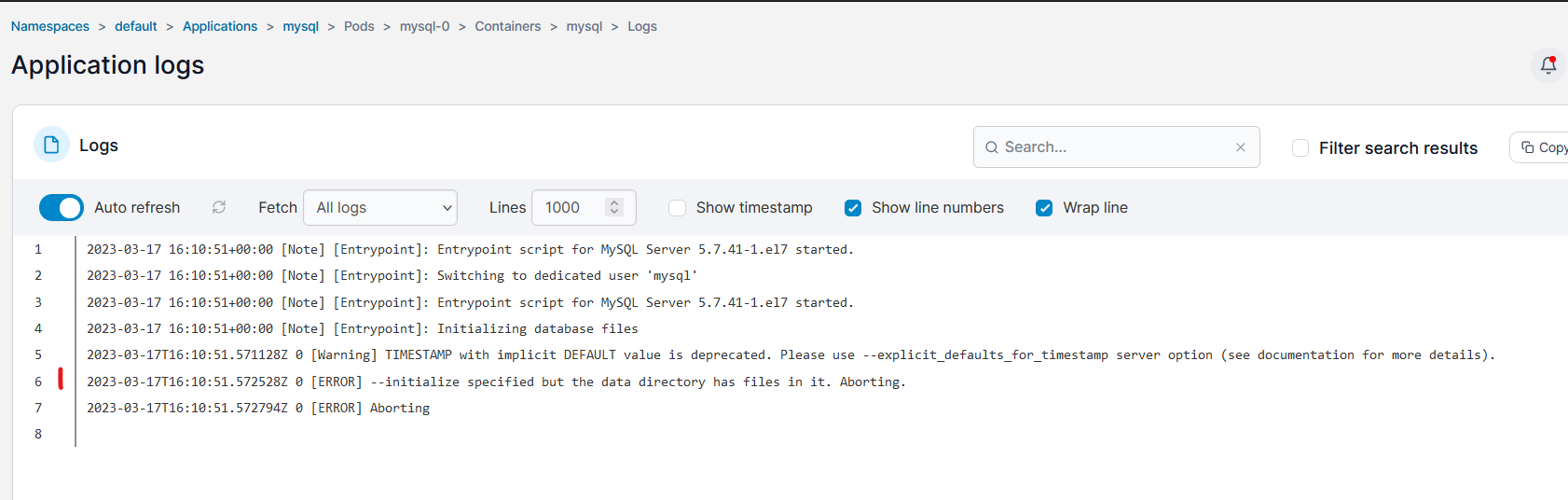
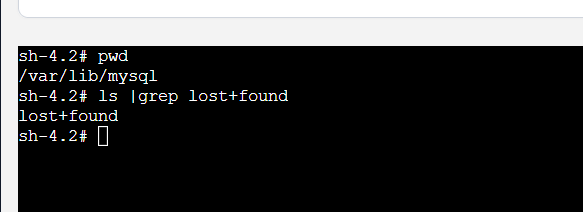
Now, the reason for this, is that MYSQL is expecting its persistent volume to be 100% blank (so it checks there is nothing under /var/lib/mysql), however with block storage devices, this unfortunately is not true... when block storage is formatted with EXT4, there is automatically a lost+found directory created, and this blocks MySQL from starting.
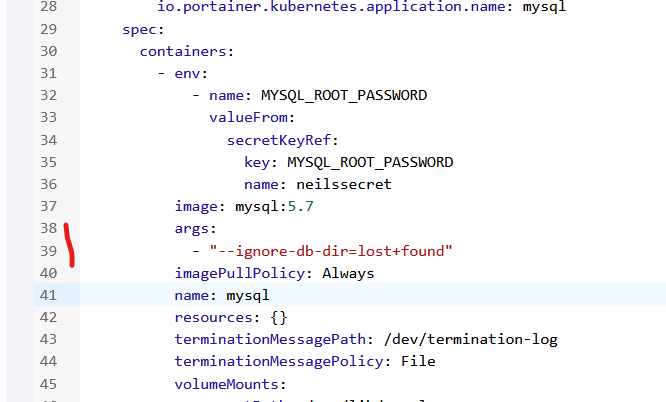
To work around this, click on the YAML editor in Portainer.. scroll down until you find the "containers" spec area..
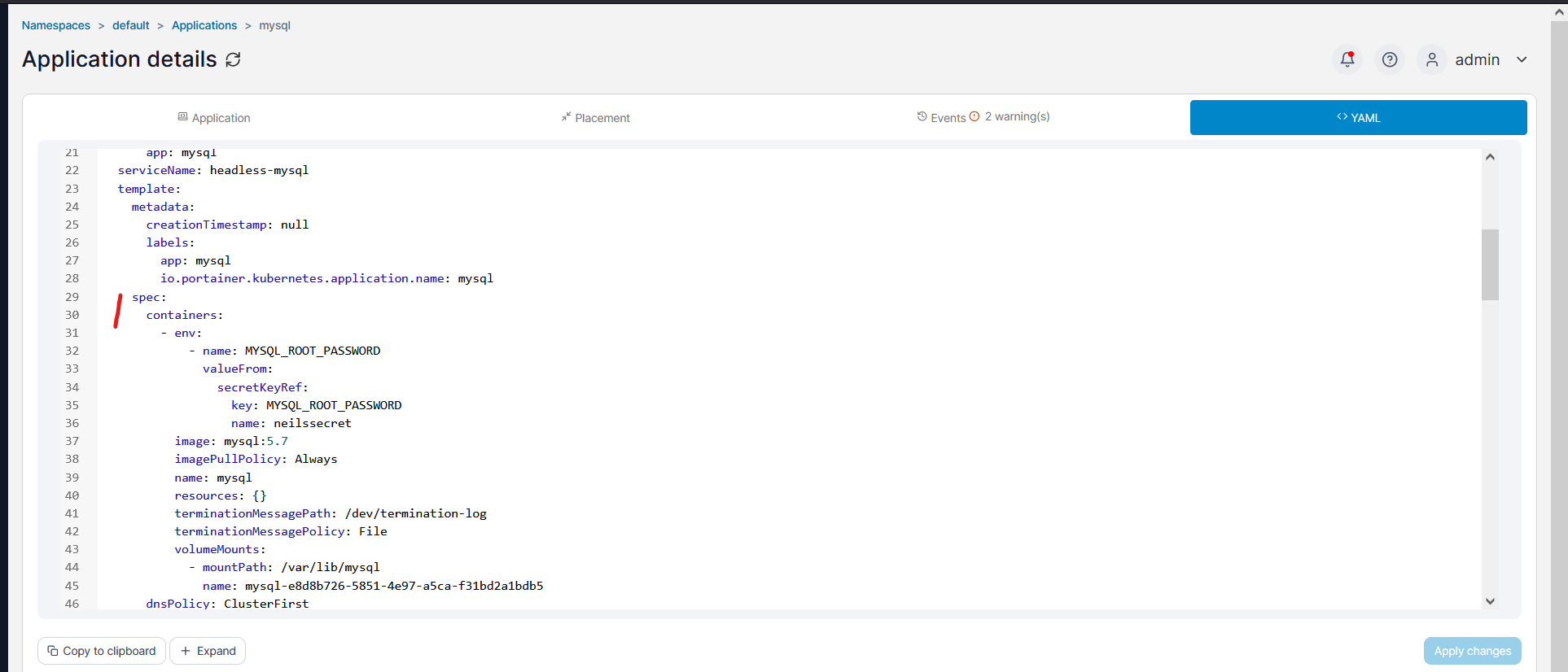
and then paste in the following below the "image:" entry:
args:
  - "--ignore-db-dir=lost+found"
So that it looks like this..
Then click on APPLY CHANGES (right hand side).
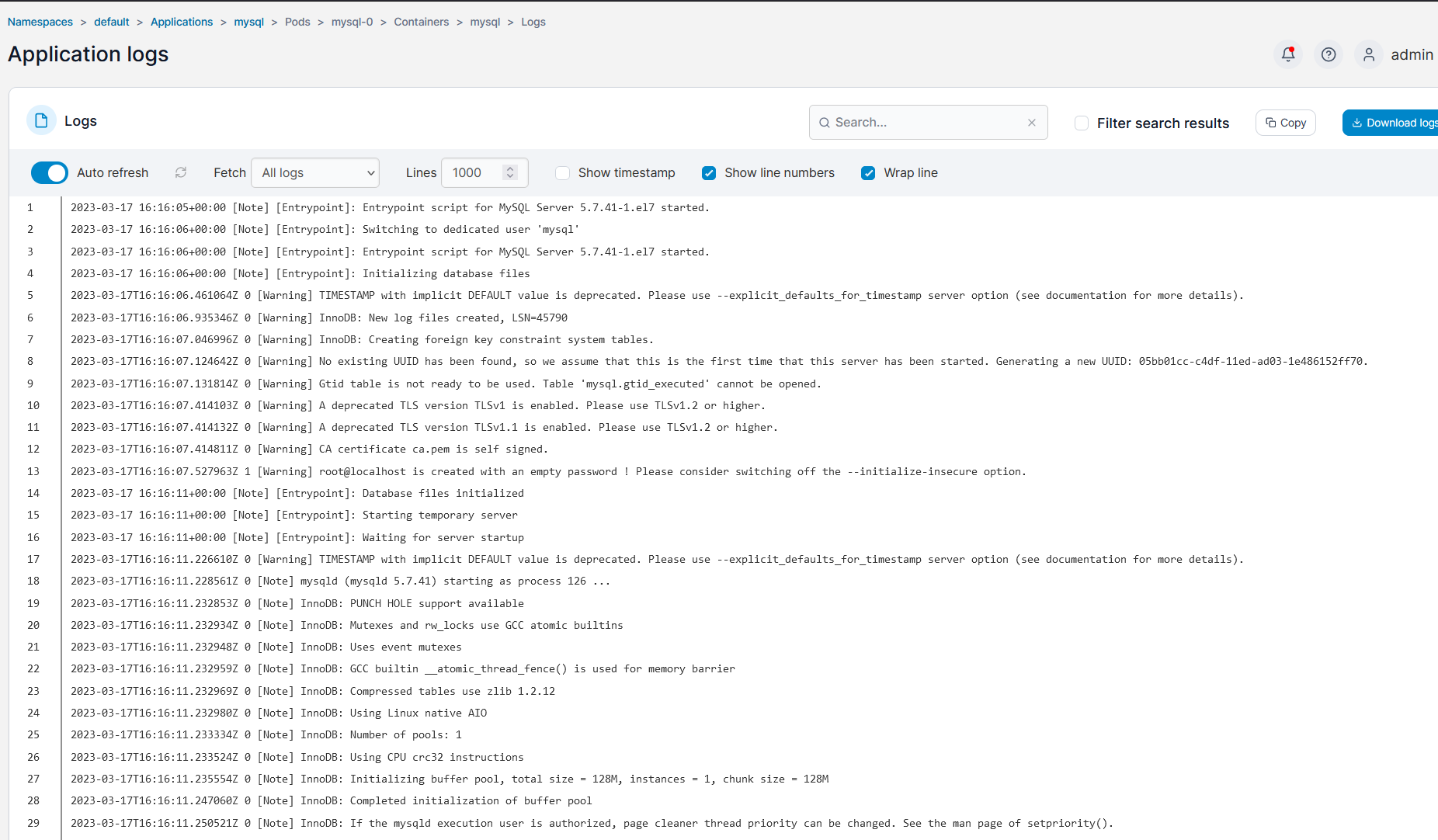
Wait 2 minutes, and see that MYSQL now starts.

and in the logs, you can see that the DB init completes..
Problem solved, you now have a functional MYSQL deployment.
You can read the MySQL GH issue on this here: https://github.com/docker-library/mysql/issues/186
Neil